Best Microphones for Zoom Calls
The Webcam Mic Problem
Every webcam mic shares the same flaw: distance. The mic sits 2-3 feet from your mouth, captures your voice at the same level as the room noise, and the omnidirectional pickup pattern treats wall reflections and keyboard clicks as equal to your words.
That hollow, distant sound is not a Zoom problem. It is a mic placement problem. The webcam mic cannot distinguish your voice from the HVAC hum, the dog barking two rooms away, or the echo bouncing off your bare walls. It hears everything at equal volume because it was designed to pick up sound from every direction — fine for a conference room with one speaker, terrible for a home office.
The fix is not a better webcam. It is a dedicated USB microphone positioned 6-12 inches from your mouth with a directional pickup pattern that focuses on your voice and ignores everything else. This single change — a desk mic instead of a webcam mic — produces the most noticeable audio improvement per dollar spent in any home office setup.
Here is the thing: your colleagues can tell. Audio quality registers subconsciously in video calls the same way it does in podcasts and YouTube videos. People with clear, present-sounding audio get interrupted less, are perceived as more prepared, and hold attention longer in meetings. HR teams evaluating remote interview candidates notice audio quality before they notice your bookshelf arrangement.
We tested every USB microphone in our catalog on Zoom, Google Meet, and Microsoft Teams calls across a range of room conditions — treated home offices, untreated bedrooms, open-plan coworking spaces, and a kitchen table next to a running dishwasher. The differences between mics narrow after Zoom's audio codec compresses the signal, but the gap between any dedicated mic and a webcam mic remains enormous on every platform.
What Zoom Actually Needs From Your Mic
Zoom encodes audio at bitrates designed for voice clarity over bandwidth efficiency. The codec strips high-frequency detail, compresses dynamic range, and applies its own noise suppression layer. This means two things for mic selection: audio fidelity above "good enough" is wasted on Zoom, and noise rejection matters far more than frequency response specs.
A mic with a flat response from 20 Hz to 20 kHz sounds identical to one capped at 16 kHz after Zoom processes the signal. But a mic that rejects keyboard noise at 90 degrees off-axis sounds audibly better than one that captures it. For Zoom, polar pattern tightness and proximity to your mouth determine call quality — not sample rate, not bit depth, not frequency range.
Bandwidth is the constraint nobody talks about.
Zoom throttles audio quality when bandwidth drops — which happens constantly on home WiFi during peak hours, on corporate VPNs, and in coworking spaces where 40 people share one router. When the connection degrades, Zoom compresses audio further. A mic that already sounds clean at low bitrates — because the source signal has minimal noise — holds up better under compression than a mic that relies on high-resolution capture to sound good. The QuadCast S vs Wave:3 comparison measures this difference directly.
This is why the most expensive mic in our catalog does not produce the best Zoom audio. The Shure MV7+ premium dynamic microphone captures broadcast-quality voice, but Zoom compresses that quality down to the same level as the Razer Seiren V3 Mini budget USB condenser at a fraction of the price. The MV7+ wins on podcasts and YouTube where the full audio reaches listeners. On Zoom, the advantage evaporates.
The Compact Solution That Disappears Behind Your Monitor
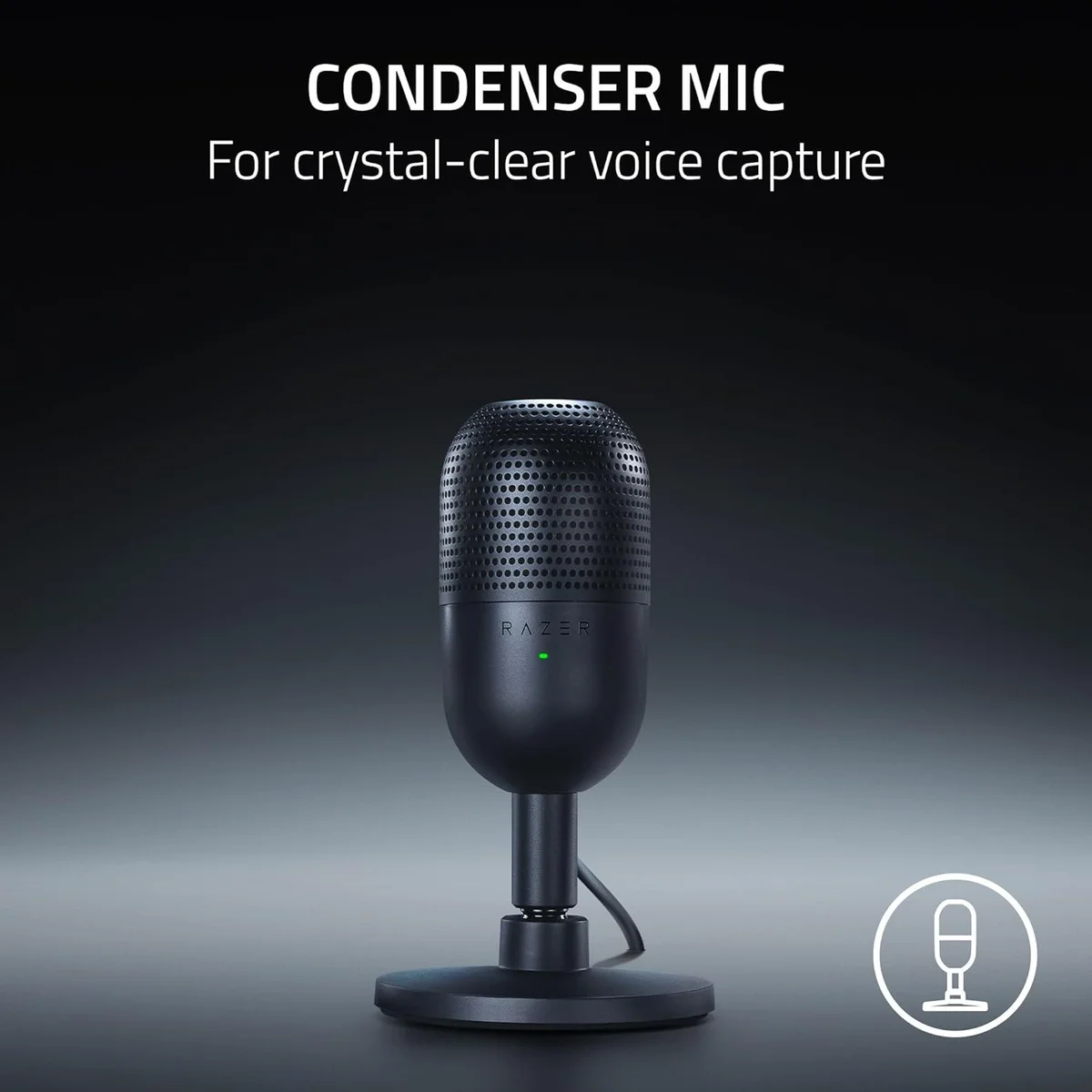
Most Zoom users want a mic that improves their audio and then gets out of the way. The Razer Seiren V3 Mini ultra-compact USB microphone does exactly that. At 0.29 lbs with a magnetic tilt base, it sits behind a monitor, below the webcam's field of view, and produces audio that is a clean break from webcam mic territory. No boom arm required. No desk clamp. No visible equipment on camera.
The super-cardioid polar pattern is tighter than the standard cardioid used by most USB mics. It picks up your voice from directly in front and rejects more off-axis sound — keyboards to the side, HVAC above, household noise behind you. For Zoom's purpose, this tighter pattern is more useful than the four-pattern flexibility of mics like the Blue Yeti multi-pattern condenser, because you only need one pattern on a video call: the one that hears you and ignores your room.
At the budget tier, this mic competes with headset mics and cheap clip-ons. Against those options, the Seiren V3 Mini wins on audio quality, loses on nothing relevant to Zoom calls, and costs less than two months of a premium Zoom subscription.
Super-cardioid pattern rejects off-axis noise. Magnetic base disappears behind your monitor. The smallest footprint in our USB mic catalog.
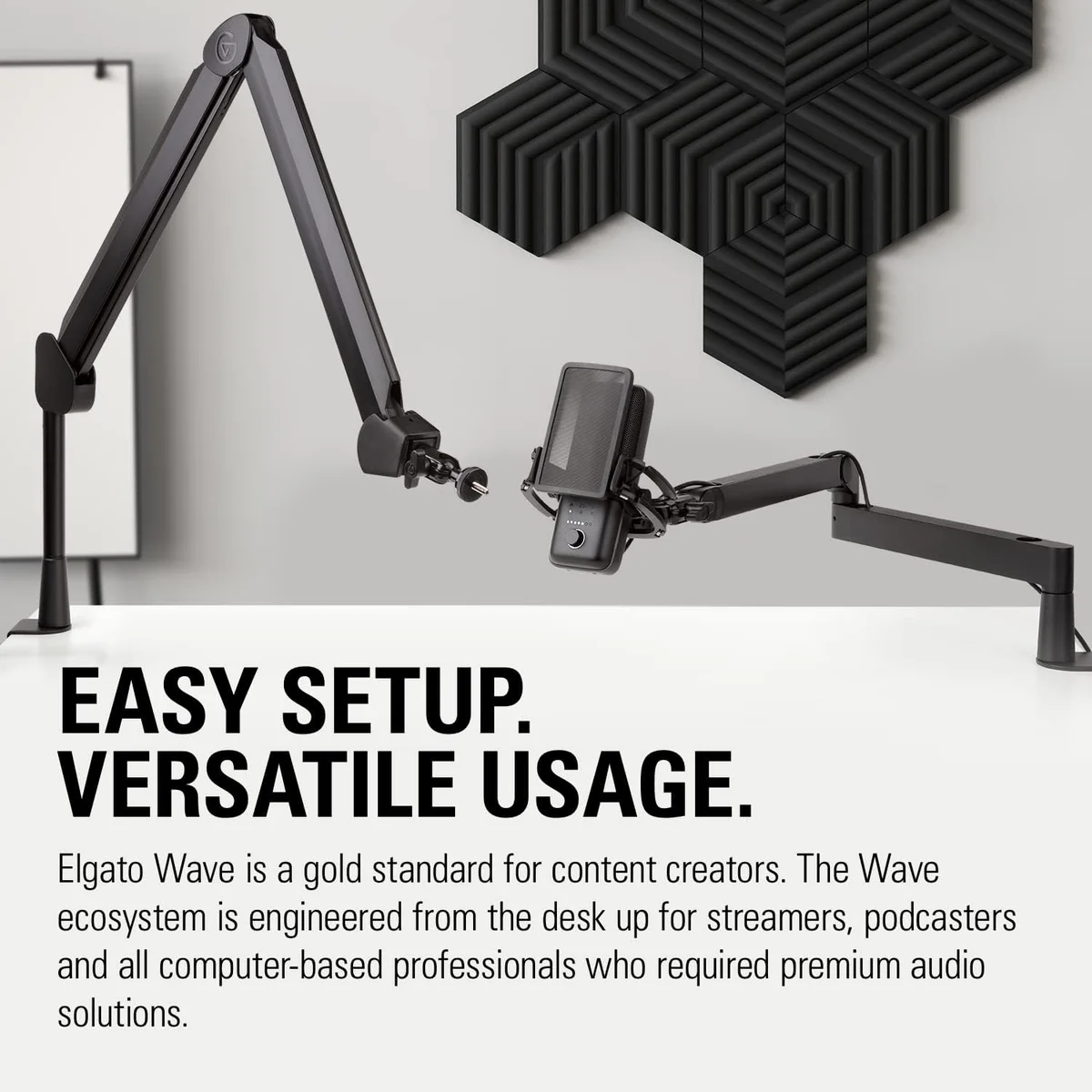
Clipguard prevents distortion when you raise your voice mid-argument. Best for people who get animated on calls.
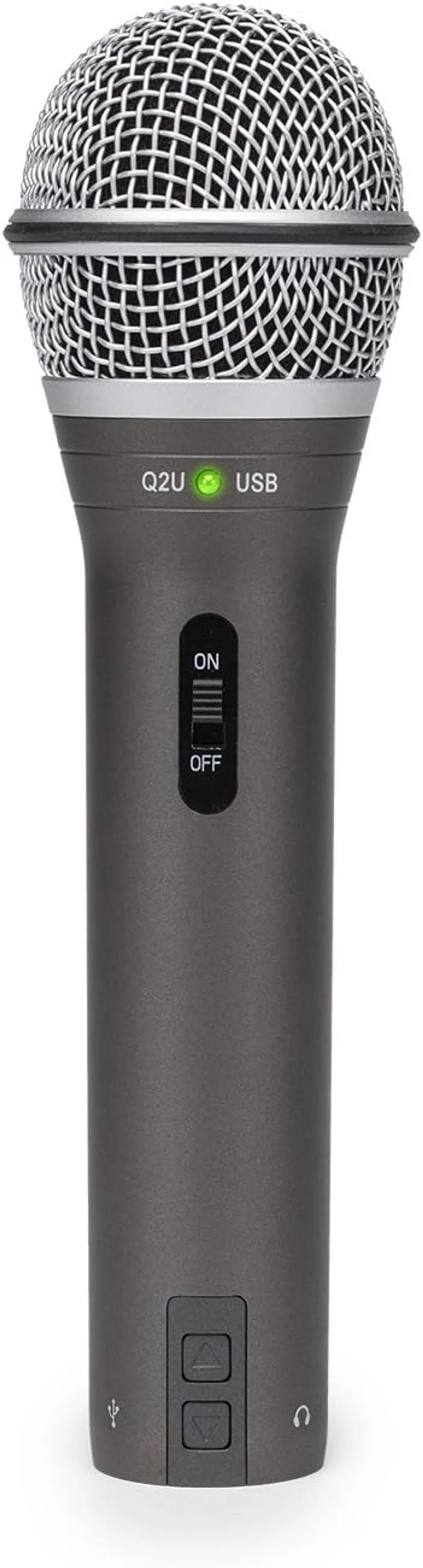
Dynamic capsule crushes background noise. Headphone jack lets you monitor your own audio in real time during calls.
When Spending More Actually Helps
Three scenarios justify moving beyond the budget tier for Zoom audio. The first: you record Zoom calls for distribution. Podcast interviews, client presentations, training sessions — anything that gets downloaded or replayed benefits from higher-quality source audio because it bypasses Zoom's real-time compression on playback. The Elgato Wave:3 streaming condenser with Clipguard captures at 96 kHz/24-bit, and its anti-distortion feature prevents the audio peaks that happen when someone laughs or raises their voice unexpectedly.
The second: your room is noisy and you cannot change it. Open-plan offices, shared apartments, construction outside your window, a barking dog in the next room. A dynamic mic like the Samson Q2U dual-output dynamic microphone rejects more ambient sound than any condenser, and the headphone monitoring port lets you hear exactly what your colleagues hear in real time. If background noise is audible in your headphones, you can adjust position or gain before anyone on the call notices.
The third: you also podcast, stream, or create content. A mic that handles Zoom and content creation eliminates the need for two devices. The Shure MV7+ premium hybrid microphone is overkill for Zoom alone, but if you also record a weekly podcast, the Auto Level Mode and dual USB-C/XLR connectivity justify the premium tier. One mic, two jobs, zero compromise on either.
Zoom-Specific Settings That Most People Skip
Plugging in a USB mic is half the job. Zoom's audio settings determine how much of that improved signal actually reaches your colleagues.
First: disable "Automatically adjust microphone volume." This Zoom feature constantly rides your gain up and down, amplifying background noise during pauses and dropping volume when you speak. With a dedicated mic positioned correctly, your input level stays consistent. Manual gain control eliminates the pumping effect that makes auto-adjust sound artificial.
Second: set noise suppression to "Low" instead of "High." High suppression clips consonants at the start of sentences and creates a noticeable gate effect — that fraction-of-a-second delay before your voice comes through when you start speaking. With a directional mic handling noise rejection physically, software suppression on low handles the rest without audible artifacts.
Third: enable "High fidelity music mode" if your mic supports 48 kHz or higher. Despite the name, this mode also improves voice quality by disabling some of Zoom's more aggressive audio processing. The Elgato Wave:3 high-resolution USB condenser and Shure MV7+ professional dynamic microphone both benefit from this setting. Budget mics at 16-bit see less improvement, but it does not hurt to enable it.
Fourth: run a test call. Zoom has a built-in audio test under Settings > Audio > "Test Mic." Record a 10-second clip, play it back, and listen for room echo, background hiss, and plosive pops. Adjust mic position — not software settings — until the test sounds clean. Most audio problems on Zoom are positioning problems, not equipment problems.
Echo cancellation deserves a separate note. Zoom's echo cancellation prevents your speakers from feeding back into your mic, but the algorithm struggles when the mic captures a strong speaker signal. With headphones, echo cancellation is irrelevant — the mic never hears the speaker output. Without headphones, a directional mic pointed away from your speakers gives Zoom's echo cancellation less work to do, producing cleaner results than an omnidirectional mic that captures both your voice and the speaker output simultaneously.
Budget Picks by Tier
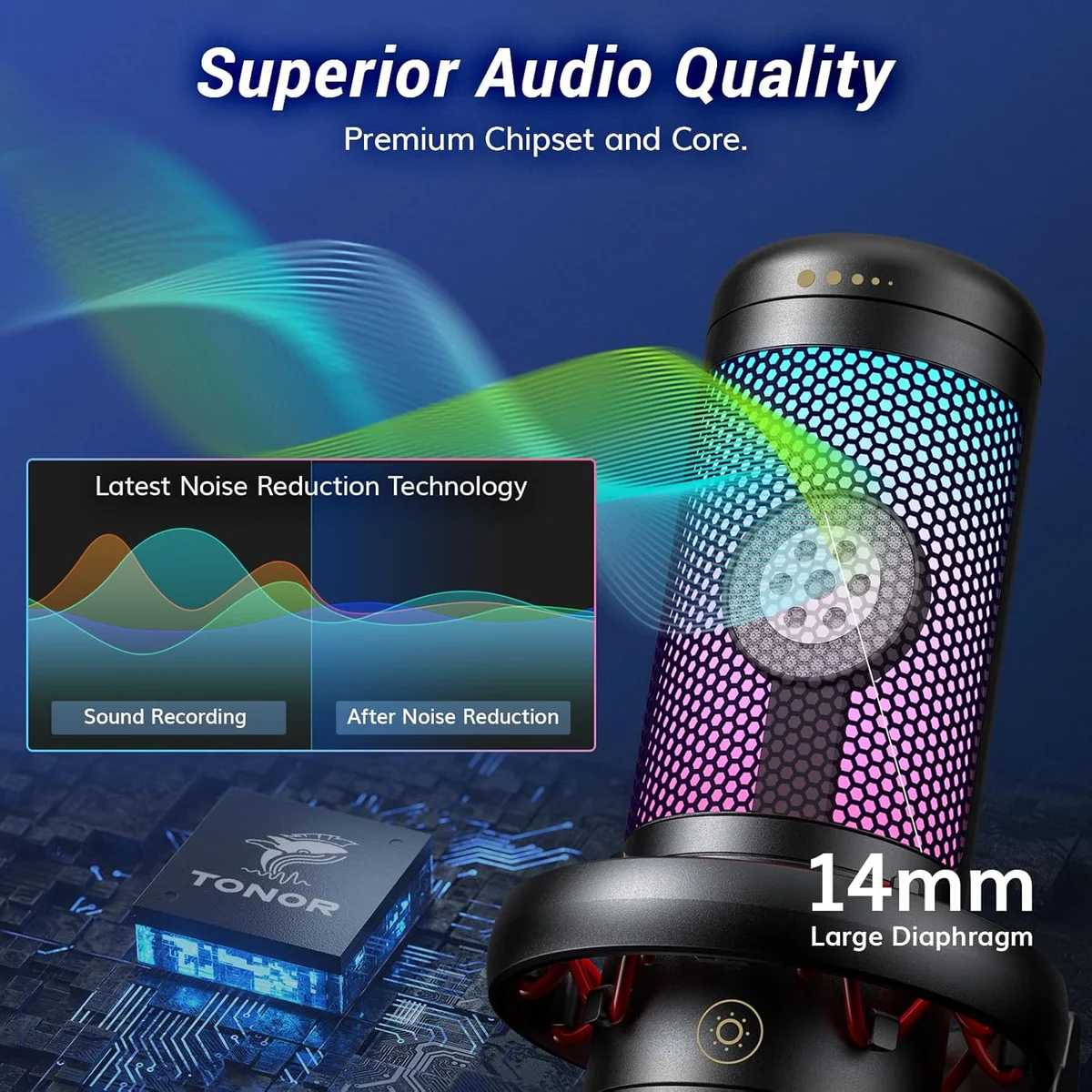
The TONOR TC30 complete mic kit at the budget-friendly tier is the absolute cheapest path away from webcam audio. Includes tripod, pop filter, and cable. Audio is thin compared to the next tier up, but it is a world apart from the built-in webcam mic. Good enough for daily standups and team calls.
The Razer Seiren V3 Mini compact USB microphone hits the ceiling of what Zoom can transmit. Super-cardioid, 24-bit, ultra-compact. Anything you spend above this tier is paying for quality that Zoom's codec will strip away during the call.
The Elgato Wave:3 anti-distortion condenser and Samson Q2U dual-output dynamic mic serve double duty — Zoom calls during the day, podcast recording at night. The extra cost only makes sense if you record beyond Zoom.
Skip the Condenser for Open Offices
Look, condensers are popular for a reason — they capture rich, detailed audio that sounds great on recordings. But in an open office or a room with hard surfaces, that sensitivity becomes a liability. A condenser mic two feet from a mechanical keyboard picks up every keystroke. A condenser in a room with tile floors and bare walls captures reflections that make your voice sound like it is coming from a bathroom.
The Blue Yeti four-pattern USB condenser is the most recognizable USB mic on the market, and we get asked about it for Zoom more than any other mic. The honest answer: the Yeti's omnidirectional default pattern is the worst possible choice for Zoom calls in an untreated room. Even in cardioid mode, its large condenser capsule captures more ambient sound than smaller condensers or any dynamic mic in our catalog.
Room treatment matters more than mic price.
If your room has carpet, curtains, and you work alone behind a closed door, a condenser is fine for Zoom. The Seiren V3 Mini's super-cardioid tightens the pickup enough to work in moderately noisy spaces. But if you share a room, work in an open office, or have hard floors and bare walls, the Samson Q2U dual-connectivity dynamic microphone or the PodMic USB vs Q2U comparison should be your starting point. Dynamic mics are less sensitive by design, and for Zoom, less sensitivity equals better results in bad rooms.
For Zoom, the short version is: dynamic for noisy rooms, condenser for quiet rooms, super-cardioid condenser for rooms in between. The USB microphone roundup ranks every option in our catalog by use case and budget tier, and the MV7+ vs Blue Yeti head-to-head comparison puts the two most common Zoom mic choices side by side.
For group video calls and team meetings where multiple people share a room, a wireless mic system with built-in speaker captures everyone without fighting over a single desk mic — it was designed for group audio capture and handles multiple voices naturally.
Our Top Pick for Zoom Calls
Compare Zoom Mics
Frequently Asked Questions
Does Zoom compress audio enough to make expensive mics pointless?
Yes and no. Zoom caps audio at relatively low bitrates for bandwidth efficiency, which flattens the quality gap between mid-range and premium mics. A mic in the mid-range tier sounds nearly identical to one in the premium tier on a Zoom call. But the gap between a webcam mic and any dedicated USB mic is immediately obvious — clearer voice, less room echo, better noise rejection. Spend enough to escape the webcam mic, then stop.
Dynamic or condenser mic for Zoom — which is better?
Dynamic mics reject more background noise, which is ideal for open offices, shared apartments, and rooms with hard floors. Condenser mics capture more detail but also pick up keyboards, HVAC, and conversations in adjacent rooms. For most home office environments, a condenser with a tight polar pattern like super-cardioid works well. For noisy environments, go dynamic.
Why does my webcam mic sound echoey on Zoom?
Webcam mics use omnidirectional pickup patterns that capture your voice and every reflection off the walls, desk, and ceiling equally. A dedicated USB mic with a cardioid or super-cardioid pattern focuses on your voice from the front and rejects the reflected sound that creates that hollow, echoey character. Distance matters too — a webcam mic sits 2-3 feet from your mouth, while a desk mic sits 6-12 inches away.
Should Zoom noise suppression be turned off with an external mic?
Set it to low or auto. Zoom noise suppression on high is aggressive and can clip the beginning of sentences or make your voice sound processed. With a decent external mic that already rejects background noise through its polar pattern, heavy software suppression adds processing artifacts without much benefit. Low suppression handles the occasional background sound without degrading voice quality.
Are wireless lavalier mics good for Zoom calls?
They work, but they are usually overkill. Zoom calls happen at a desk with a computer. A USB desk mic plugged directly into your computer delivers better audio quality than a wireless lav for this specific use case. Wireless mics solve the mobility problem — TikTok, YouTube on location, interviews. At a desk, mobility is irrelevant. Save the wireless budget for content creation if you do both.
Best position for a USB mic during Zoom calls?
Six to twelve inches from your mouth, slightly off-axis — angled about 15 degrees rather than pointed directly at your lips. This position captures your voice clearly while reducing plosives (the popping sound on P and B sounds). Behind and below your monitor is ideal if the mic is compact enough — some ultra-small models fit there without appearing on camera at all.
Our Top Recommendation
Based on our research, the Seiren V3 Mini is our top pick — budget gamers, remote workers, and casual creators who want better audio in an ultra-compact form factor..
Get Our Top 3 Picks
Get our top 3 picks for your budget — one email, then only updates.
Only when something changes. Unsubscribe anytime.