Sample Rate and Bit Depth Explained
What Sample Rate and Bit Depth Actually Control
Every digital microphone converts your voice from an analog sound wave into a stream of numbers. Sample rate and bit depth are the two settings that control how that conversion happens — and despite what marketing copy suggests, they control completely different things and matter far less than most buyers think.
Sample rate is how many times per second the microphone measures the sound wave. At 48 kHz, it takes 48,000 snapshots per second. At 96 kHz, it takes 96,000. More snapshots capture higher frequencies — but human hearing tops out at roughly 20 kHz, and a 48 kHz sample rate already captures everything up to 24 kHz (the Nyquist limit is always half the sample rate). So 48 kHz records every frequency you can hear, plus a safety margin.
Bit depth is how precisely each snapshot is measured. Think of it as the ruler's resolution. A 16-bit measurement can distinguish between 65,536 different volume levels. A 24-bit measurement can distinguish between 16,777,216 levels. More precision means a wider dynamic range — the gap between the quietest signal you can capture and the loudest before distortion.
Why 48 kHz / 16-Bit Is Not "Bad"
Marketing copy for premium microphones pushes 24-bit/96 kHz as the superior choice, and in a technical vacuum, higher numbers are indeed higher. But context matters more than specs.
Most creators will never hear the difference.
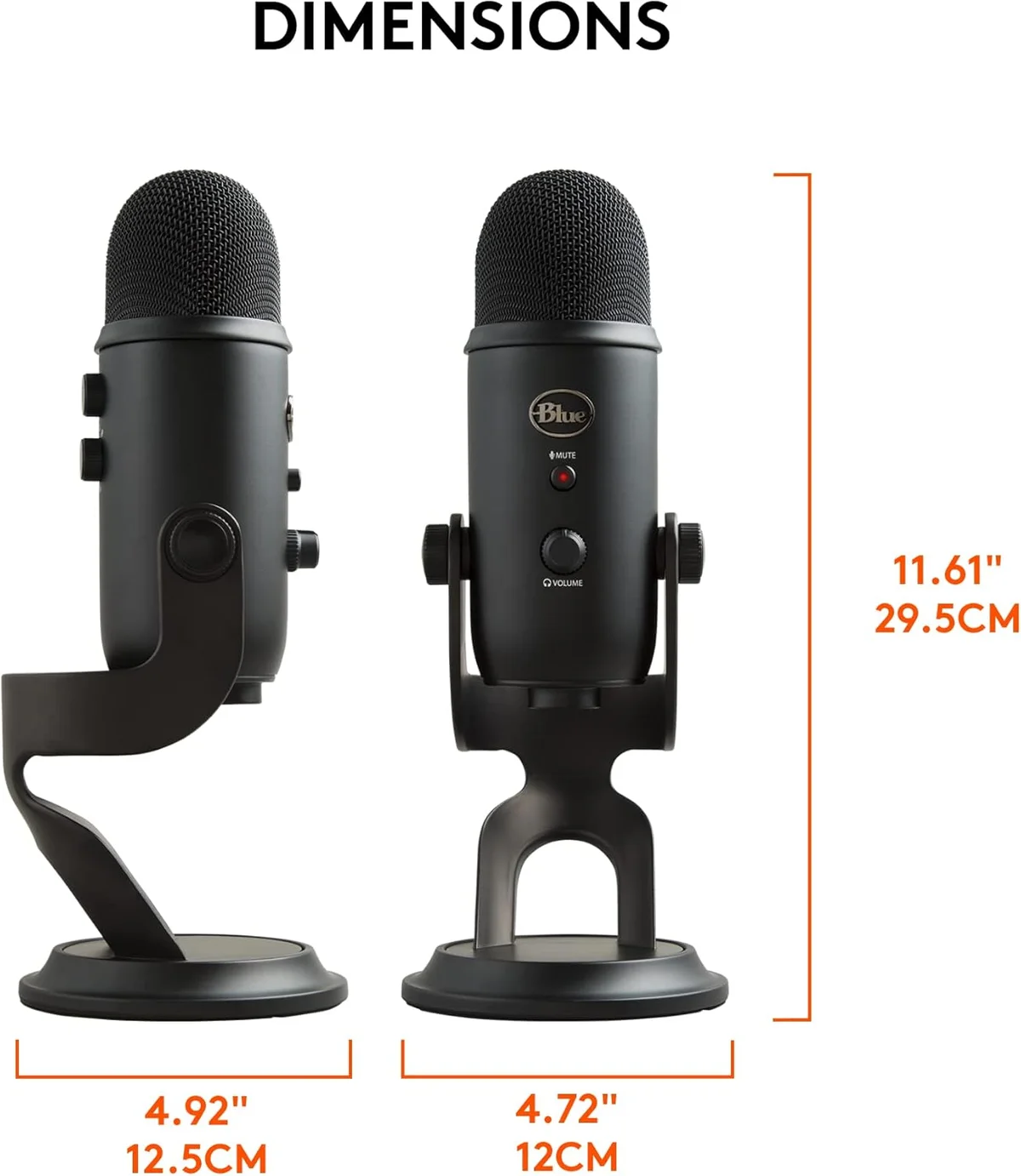
CD-quality audio — the format that defined high-fidelity music for decades — is 44.1 kHz / 16-bit. The Blue Yeti USB condenser microphone, one of the most-used podcast and streaming mics in history, records at 48 kHz / 16-bit. Millions of professional podcast episodes, YouTube voiceovers, and audiobooks were recorded at this exact specification. The human ear cannot distinguish 16-bit from 24-bit audio in a properly gain-staged recording.
The key phrase there is properly gain-staged. At 16-bit, you need to set your gain carefully — too low and the signal sits in the noise floor; too high and it clips. At 24-bit, the margin for error is much wider. That extra headroom is the real advantage, not audible sound quality.
Audio engineers who record Grammy-winning vocals often track at 24-bit/48 kHz — not 96 kHz. The sample rate adds nothing they can hear. The bit depth adds headroom they can use. If 48 kHz is good enough for professional music studios, it is good enough for a YouTube voiceover.
When 24-Bit / 96 kHz Actually Matters
Higher specs earn their keep in specific workflows. Here is the honest breakdown of when the upgrade from 16-bit/48 kHz to 24-bit/96 kHz produces a real, measurable difference — and when it produces nothing but larger files.
Recording interviews where one person whispers and another shouts. Live music where dynamics swing 40+ dB between passages. Stand-up comedy with quiet setups and screaming punchlines. The extra 48 dB of dynamic range means you never clip irreplaceable takes.
If you plan to apply aggressive noise reduction, pitch correction, or dynamic EQ, starting with 24-bit gives the algorithms more data to work with. The difference is especially noticeable when compressing quiet passages — 16-bit can introduce quantization artifacts that 24-bit avoids.
Changing the speed or pitch of audio works better with more sample data. Film composers, sound designers, and remix artists benefit from 96 kHz source material. The extra frequency data above 24 kHz is used by algorithms, not by your ears directly.
Your voice sits between 80 Hz and 8 kHz. 48 kHz captures it perfectly. Every podcast distributor downsamples to 48 kHz or lower anyway. Recording at 96 kHz for podcasting is storing data you will throw away.
Streaming platforms encode at 48 kHz Opus or AAC in real time. Your mic's 96 kHz signal gets downsampled before it reaches a single viewer. The CPU overhead of processing 96 kHz audio can actually hurt stream performance on mid-range hardware.
VoIP codecs compress audio to bandwidth-efficient formats well below CD quality. A 16-bit/48 kHz mic produces the same call quality as a 24-bit/96 kHz mic. What matters for call quality is mic placement and noise rejection, not sample rate.
What Your Microphone Actually Supports
Not every USB mic lets you choose your sample rate and bit depth. Most have fixed settings that match their target audience. Here is what the mics in our catalog actually record at — and whether it matters for their intended use.
| Microphone | Sample Rate | Bit Depth | Verdict |
|---|---|---|---|
| Wave:3 | 96 kHz | 24-bit | Top spec — justified by Clipguard and Wave Link workflow |
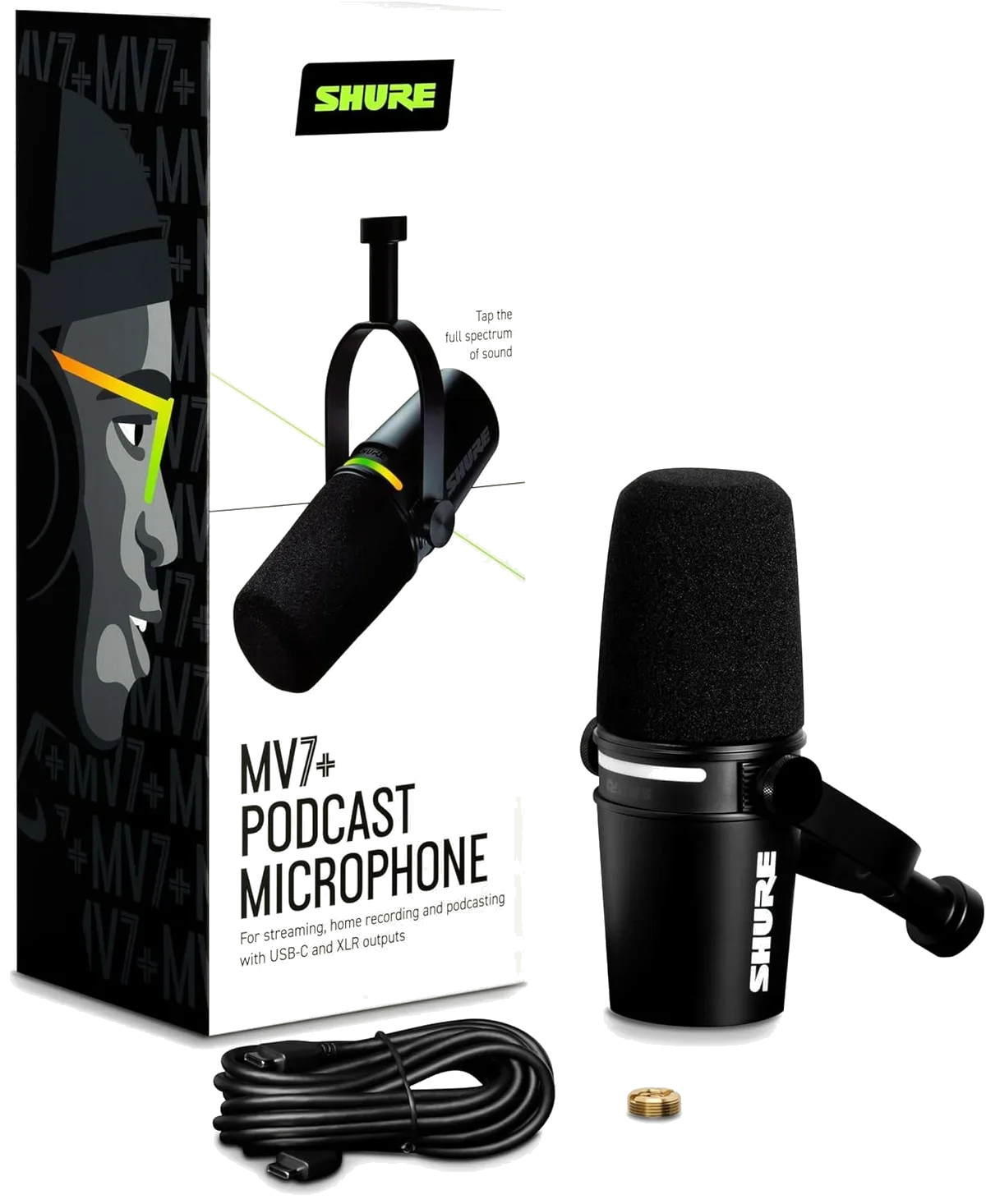
| Shure MV7+ | 48 kHz | 24-bit | 24-bit headroom pairs well with auto-level DSP |
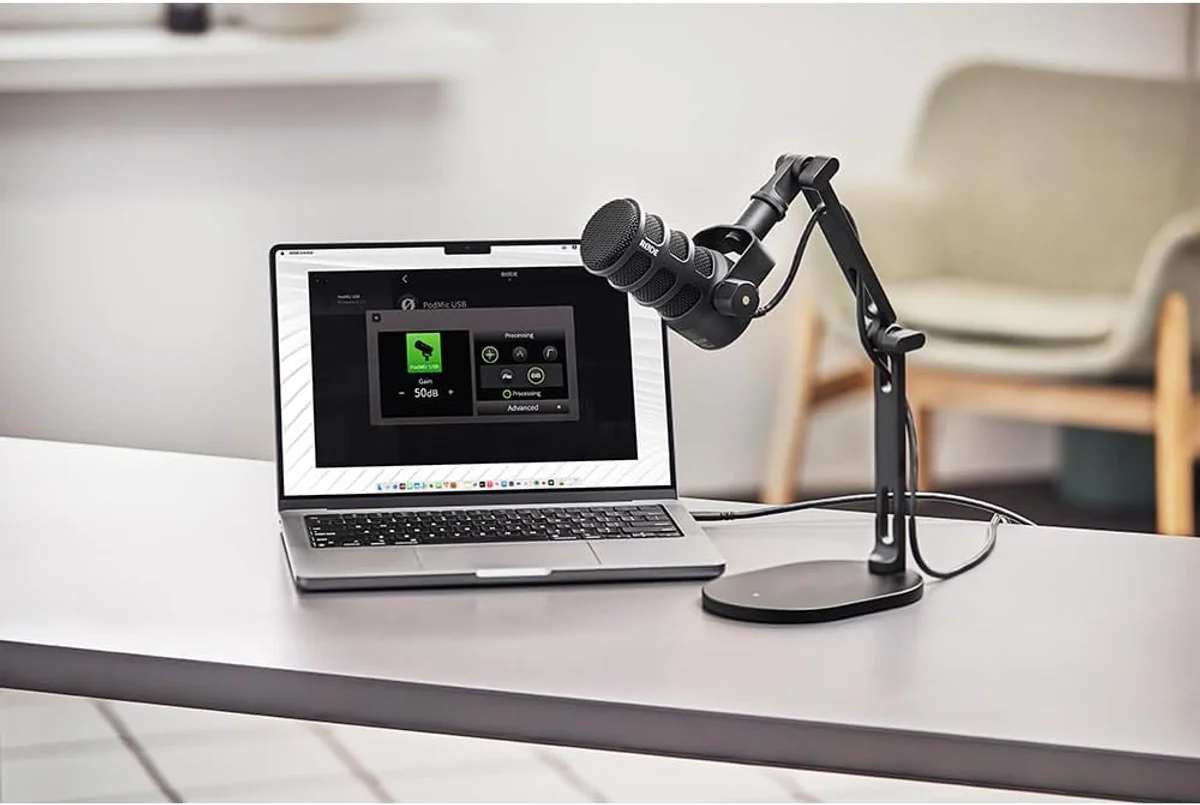
| PodMic USB | 48 kHz | 24-bit | Solid broadcast spec — 24-bit earns its keep at this tier |
| Seiren V3 Mini | 48 kHz | 24-bit | Rare at sub-$50 — genuine spec advantage over budget rivals |
| QuadCast S | 48 kHz | 16-bit | Adequate for gaming and streaming — the capsule is the strength, not the DAC |
| Blue Yeti | 48 kHz | 16-bit | Dated spec but not a dealbreaker — millions of pros used this exact configuration |
| Samson Q2U | 48 kHz | 16-bit | Budget spec, budget price — the dual USB/XLR connectivity is the value proposition |
| FIFINE AmpliGame | 48 kHz | 16-bit | Entry-level spec with entry-level price — no complaints at this tier |
The Clipguard Advantage: Why 24-Bit Enables Better Features
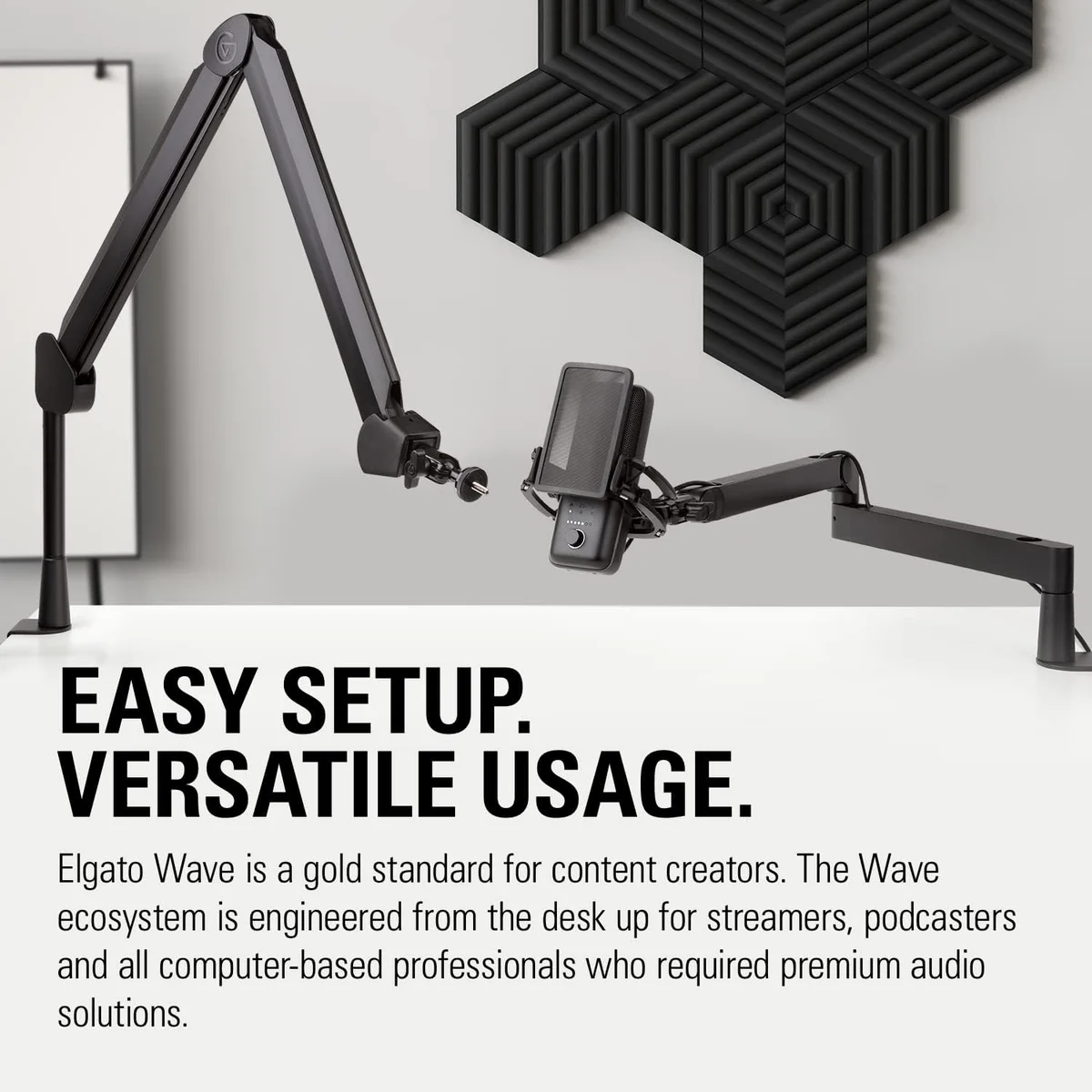
The Elgato Wave:3 streaming microphone demonstrates the real advantage of 24-bit recording better than any spec sheet can. Clipguard is a hardware feature that runs a second, quieter recording signal alongside the main one. When your voice suddenly peaks — a loud laugh, a shout during a game, a table slam — Clipguard cuts to the quieter backup signal before distortion occurs. The switch is instant — inaudible in the final recording.
This works because of 24-bit recording. The backup signal runs at a lower gain level, which means it sits lower in the dynamic range. At 16-bit, that backup signal would be too close to the noise floor to be usable. At 24-bit, the extra 48 dB of dynamic range gives the backup signal plenty of room to be quiet yet clean.
The Shure MV7+ podcast microphone uses a similar principle with its auto-level feature — the DSP continuously adjusts gain in real time, and 24-bit resolution gives those micro-adjustments enough precision to produce smooth transitions instead of audible stepping artifacts.
File Size: The Hidden Cost of Higher Specs
Higher sample rates and bit depths produce larger files. For podcasters recording hour-long episodes or streamers running 6-hour sessions, this adds up fast.
For a podcaster recording 4 episodes per week at 90 minutes each, 24-bit/96 kHz produces roughly 120 GB of raw audio per month. At 16-bit/48 kHz, that drops to 40 GB. If your editing workflow involves multiple takes and project backups, the difference compounds quickly. Storage is cheap, but not free — and the extra data produces zero audible benefit in a podcast export.
What Setting Should You Use?
Skip the spec anxiety. Here is what to set based on what you actually do:
If your mic only does 16-bit — like the Blue Yeti USB or HyperX QuadCast S — do not let that be the reason you upgrade. The capsule, polar pattern, and your mic technique determine 95% of your audio quality. Bit depth and sample rate are the last 5%, and most of that 5% disappears once the audio hits a streaming codec or podcast compressor.
Gain Staging Matters More Than Bit Depth
Honestly, this is what most spec-comparison articles skip: a perfectly gain-staged 16-bit recording sounds better than a poorly gain-staged 24-bit recording. Every time. No exceptions.
Gain staging is setting the input volume so your voice sits in the optimal range of the digital converter. Too quiet, and the signal drowns in the noise floor. Too loud, and peaks clip into harsh digital distortion that no amount of post-production can fix. The sweet spot is peaks hitting between -12 dB and -6 dB in your recording software.
At 16-bit, that window is forgiving but not generous. You have 96 dB of range to work with, and the bottom 20-25 dB of that range sits in audible self-noise. So your usable range is roughly 70 dB — plenty for spoken word, but leave the gain knob too low and you will hear it.
At 24-bit, the window is much wider. The bottom of the range is so far below the noise floor of any real microphone that you would need to set the gain absurdly low to run into problems. This is why 24-bit is sometimes called "set and forget" — the margin of error is large enough that reasonable gain settings always produce clean audio.
The practical takeaway: if you record with a 16-bit mic, spend 30 seconds setting your gain correctly before each session. That habit produces better results than buying a 24-bit mic and never checking levels. The Samson Q2U dynamic at 16-bit with good gain staging sounds cleaner than the Elgato Wave:3 condenser at 24-bit with the gain cranked too high or too low.
Look — we have analyzed thousands of user reviews across our microphone catalog. The complaints about audio quality almost never mention bit depth or sample rate. They mention room echo, keyboard noise, gain too high, gain too low, sitting too far from the mic. Fix those first. The digital specifications take care of themselves.
Bit depth is not your bottleneck. Your room is.
Frequently Asked Questions
Is 48 kHz good enough for podcasting?
Yes. 48 kHz captures the full range of human hearing (20 Hz - 20 kHz) with room to spare. Every major podcast distributor — Spotify, Apple Podcasts, YouTube — accepts and serves 48 kHz audio. Recording at 96 kHz for podcast distribution just doubles your file size for zero audible benefit in the final product.
What is the difference between 16-bit and 24-bit audio?
Bit depth determines dynamic range — the gap between the quietest and loudest sounds you can capture. 16-bit gives you 96 dB of dynamic range. 24-bit gives you 144 dB. The practical difference: 24-bit recording has a lower noise floor and more headroom to fix gain mistakes in post-production. For spoken word, 16-bit is sufficient. For music recording or unpredictable volume sources, 24-bit saves you from clipped takes.
Does recording at 96 kHz produce better quality?
Only for heavy post-production processing on music or sound design. Higher sample rates give pitch-shifting and time-stretching algorithms more data to work with, which can produce cleaner results. For podcasting, streaming, voiceover, and content creation, 48 kHz is the industry standard and produces identical audible quality to 96 kHz in the final output.
Does higher sample rate reduce noise?
No. Sample rate has no effect on noise floor. Noise comes from the microphone capsule, preamp electronics, and electromagnetic interference — not from digital sampling frequency. A quiet mic at 48 kHz sounds cleaner than a noisy mic at 96 kHz. If noise is your problem, look at mic type (dynamic vs condenser) and gain staging, not sample rate.
Why do some USB mics still use 16-bit?
Cost. Higher-resolution analog-to-digital converters and the processing power to handle 24-bit/96 kHz audio add to the bill of materials. Budget mics like the Blue Yeti use 16-bit/48 kHz because the savings go toward other components. At the price point where most podcasters and streamers operate, the capsule quality and polar pattern matter far more than bit depth.
What sample rate does YouTube use?
YouTube processes and serves audio at 48 kHz AAC (or Opus in newer codecs). If you upload 96 kHz audio, YouTube downsamples it to 48 kHz anyway. Recording at 48 kHz matches the delivery format exactly, which avoids any artifacts from sample rate conversion. The same applies to Twitch (48 kHz Opus) and most streaming platforms.
Our Top Recommendation
Based on our research, the Wave:3 is our top pick — dedicated twitch/youtube streamers who need advanced audio routing and anti-clipping protection via wave link..
Get Mic Picks Delivered
One email per week. Honest reviews, zero spam.
Only when something changes. Unsubscribe anytime.