RGB Spectacle vs Audio Routing Powerhouse
The Wave:3 wins for multi-source streamers who need audio routing control. The QuadCast S wins for streamers who prioritize visual spectacle and instant tap-to-mute. Both are excellent streaming condensers — the choice comes down to workflow vs aesthetics.
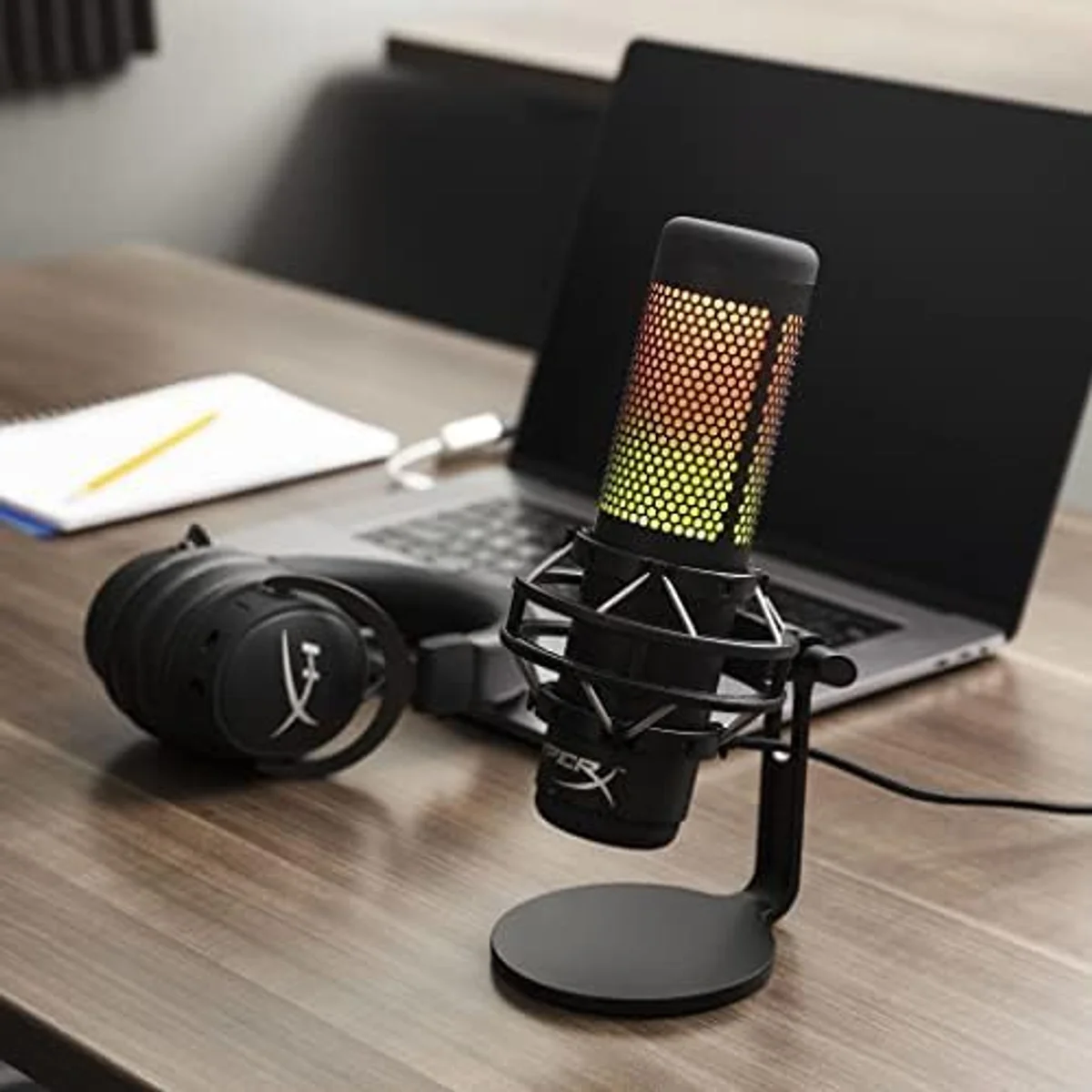
QuadCast S
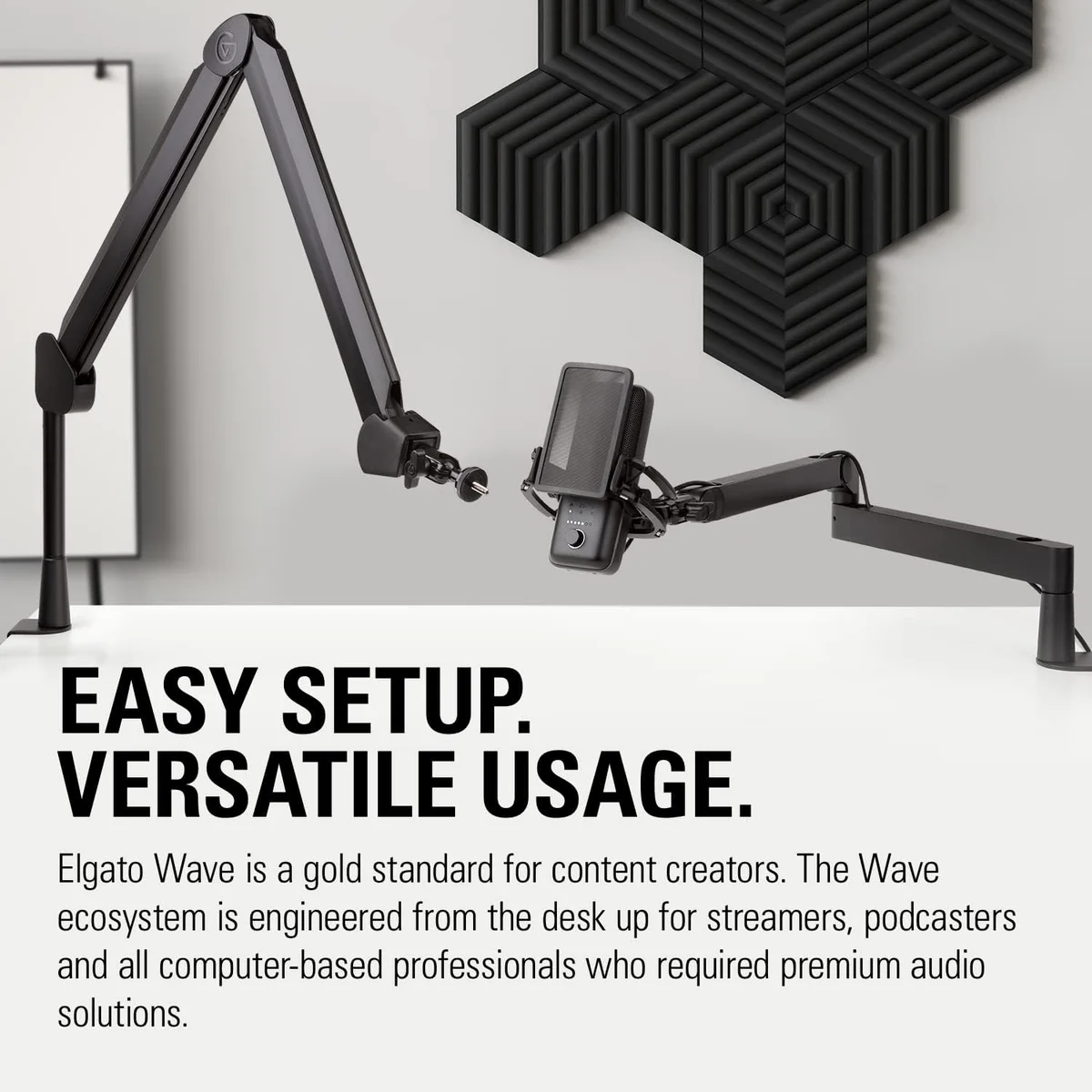
Wave:3
The QuadCast S and Wave:3 are the two USB condenser microphones most commonly recommended for streaming — and they target streaming from opposite angles. The QuadCast S leads with visual impact: full RGB customization, tap-to-mute with visual LED confirmation visible on camera, and a design that looks like it belongs in a streamer's setup photo. The Wave:3 leads with workflow power: Wave Link virtual audio mixing, Clipguard anti-clipping technology, and deep integration with the Elgato streaming ecosystem.
Both are condenser microphones with cardioid pickup patterns. Both sit in the same price neighborhood — the QuadCast S at $100–$250 and the Wave:3 at $100–$250. Both produce clean, detailed voice audio suitable for Twitch, YouTube Live, and content streaming. The deciding factors are not audio quality — that comparison is nearly a draw — but the streaming-specific features surrounding the audio: how the mic integrates into your streaming workflow, how it looks on camera, and how it handles the chaos of live broadcasting where there are no second takes.
This comparison matters because the wrong choice means missing features you will want later. A streamer who buys the QuadCast S for RGB and later needs multi-track audio routing has to add VoiceMeeter (free but complex) or a GoXLR ($200+). A streamer who buys the Wave:3 for audio routing and later wants visual desk presence on camera has a plain black cylinder that adds nothing to the stream aesthetic. Choose based on which features you will actually use in your daily streaming workflow, not which features sound good in a spec sheet. Our streaming microphone roundup ranks both products alongside seven other picks.
One caveat before the breakdown: both of these are condenser microphones. Both will pick up mechanical keyboard noise, PC fan hum, and room ambience in a way that dynamic mics like the Shure MV7+ or Rode PodMic USB will not. If background noise is your primary streaming audio problem, the answer is not "QuadCast S or Wave:3" — it is "neither, get a dynamic." This comparison assumes your streaming environment is reasonably quiet, or that you are willing to use OBS noise gate filters to manage background sounds. Our noise reduction guide covers the software approach to cleaning up condenser audio during live broadcasts.
QuadCast SWave:3At a Glance
| Feature | HyperX QuadCast S | Editor's Pick Elgato Wave:3 |
|---|---|---|
| Price Range | $100–$250 | $100–$250 |
| Type | Condenser (three 14mm capsules) | Condenser |
| Polar Pattern | Cardioid, Bidirectional, Omnidirectional, Stereo | Cardioid |
| Frequency Response | 20 Hz – 20 kHz | 70 Hz – 20 kHz |
| Sample Rate | 48 kHz / 16-bit | 96 kHz / 24-bit |
| Max SPL | — | 140 dB (with Clipguard) |
| Connectivity | USB-C | USB-C |
| Weight | 0.57 lbs | 0.59 lbs |
| See Current Price | See Current Price |
Audio Quality: Near-Identical Condensers
The Wave:3 records at 96 kHz / 24-bit — the highest native sample rate in our USB microphone catalog. The QuadCast S records at 48 kHz / 16-bit. On paper, the Wave:3 has more headroom and a higher theoretical fidelity ceiling. On paper. But in practice, after Twitch compresses audio to 160 kbps AAC and YouTube Live encodes at similar bitrates, the difference between these sample rates becomes inaudible to all but the most trained listeners in controlled A/B testing conditions.
Both condensers capture detailed, bright voice audio with good presence in the 2-5 kHz range where speech intelligibility lives. Both pick up vocal nuance — whispers, sarcasm, excitement — with the sensitivity that condenser capsules provide. In our testing, voice recordings from both mics were indistinguishable after OBS encoding at streaming bitrates. Raw recordings showed the Wave:3's slightly wider frequency response, but the gap closed completely after compression.
The Wave:3's Clipguard technology provides a real advantage during streaming: a hardware circuit runs a second signal path at lower gain. If you shout during a clutch gaming moment, Clipguard captures the clean backup signal instead of the clipped primary — automatically, with no latency, no software intervention. The QuadCast S has no equivalent anti-clipping feature. On a live stream, clipped audio cannot be fixed in post. Clipguard prevents it from happening. For reactive streamers — competitive gaming, horror playthroughs, hype-heavy content — this is a meaningful safety net.
Noise Rejection: Same Limitation, Different Mitigation
Both are condenser microphones, which means both capture background noise from mechanical keyboards, PC fans, and room ambience. Neither mic provides the passive noise rejection of a dynamic capsule like the Shure MV7+ or Rode PodMic USB. In a noisy gaming environment, both mics need post-processing — noise gates in OBS, RTX Voice, or software denoiser plugins — to clean up background sounds.
The Wave:3 mitigates noise through Wave Link, which routes audio through internal processing before it reaches OBS. You can apply noise reduction, EQ, and compression within Wave Link itself — offloading audio cleanup from OBS and reducing CPU overhead during streaming. The QuadCast S provides no built-in audio processing; all noise management happens through OBS filters or third-party software.
For streamers in noisy environments — mechanical keyboards, open-back headphones, desktop PCs with audible cooling fans — neither condenser is the right choice. Our dynamic vs condenser guide explains why dynamic mics like the MV7+ outperform both the QuadCast S and Wave:3 in noisy rooms.
For streamers in reasonably quiet setups with membrane or low-profile keyboards and closed-back headphones, both condensers produce clean audio with standard OBS noise gate configuration. The key is positioning: keep the microphone between your mouth and the monitor, with the keyboard behind the mic's cardioid rejection zone. At 6-8 inches from the mouth in cardioid mode, both mics capture voice clearly while rejecting sounds from behind and to the sides. Our polar patterns guide explains how cardioid rejection zones work and how to position any mic for maximum noise suppression.
Software Integration: Wave Link vs NGENUITY
This is where the comparison tilts decisively toward the Wave:3. Wave Link is a virtual audio mixer that routes up to 9 audio sources — mic input, game audio, Discord, Spotify, browser alerts, viewer notifications — to independent OBS channels with individual volume controls. Each source gets its own fader. You can mute game audio without affecting Discord. Drop music volume during conversation without alt-tabbing. Monitor a different mix in your headphones than what goes to stream.
Wave Link also recognizes Elgato Stream Deck as a hardware controller — bind audio channel mutes and volume adjustments to physical buttons. Tap a Stream Deck key to solo your mic for announcements. Tap another to bring game audio back. This hardware-software integration is unique to the Wave:3 in our catalog and is the primary reason it ranks #1 in our streaming roundup.
HyperX NGENUITY software controls the QuadCast S's RGB lighting — color selection, breathing patterns, static modes, rainbow effects — and provides basic monitoring controls. NGENUITY is an RGB customization tool, not an audio management tool. For multi-source audio routing on the QuadCast S, you need VoiceMeeter (free, complex setup) or a GoXLR hardware mixer ($200+). Wave Link replaces both for Wave:3 users at zero additional cost.
Mute Mechanisms: Both Excellent, Different Feel
The QuadCast S tap-to-mute is the most satisfying mute implementation on any USB mic we tested. Touch the top of the mic — the entire RGB display turns off instantly, confirming mute state visually to both the streamer and the stream camera. Touch again — RGB returns, unmuted. Zero latency, zero fumbling for a button, zero ambiguity about mute state. The dark-mic-means-muted visual cue is visible from across the room and readable on camera in a stream overlay.
The Wave:3 uses a capacitive touch mute on the mic body — silent activation with no mechanical click that would be picked up by the condenser capsule. The mute is confirmed by an LED indicator rather than the dramatic full-RGB-off visual of the QuadCast S. Both mute mechanisms register under 50ms. Both are faster and more reliable than OBS software mute hotkeys that depend on window focus.
For streamers who frequently mute during breaks, conversations off-stream, or reactive moments, the QuadCast S's visual mute confirmation is a marginal advantage. For streamers who rarely mute, both mechanisms are more than adequate.
Design, Visual Presence, and Desk Aesthetics
The QuadCast S dominates visual presence. Full RGB lighting customizable through NGENUITY syncs with Corsair/HyperX keyboards, mice, and headsets for a coordinated desk aesthetic. The mic glows, pulses, breathes, or holds static colors. On a stream camera, the QuadCast S adds production value — it looks like a piece of equipment that belongs on a content creator's desk. The built-in shock mount and pop filter keep the silhouette clean without external accessories.
The Wave:3 is a matte black cylinder with a subtle LED indicator. It is elegant in its minimalism but adds nothing visual to a stream setup. For streamers whose camera does not capture the mic, this is irrelevant. For streamers whose desk aesthetic is part of their brand — and many successful streamers invest heavily in visual presentation — the QuadCast S is the only option with visual impact.
Polar Pattern Flexibility
The QuadCast S offers four polar patterns: cardioid, stereo, omnidirectional, and bidirectional. The Wave:3 offers cardioid only. For standard solo streaming, cardioid is the only useful pattern — the QuadCast S's extra patterns rarely come into play. For co-streaming (bidirectional), group content (omnidirectional), or ASMR-style spatial audio (stereo), the QuadCast S provides options the Wave:3 cannot match. Our QuadCast S vs Blue Yeti comparison covers the multi-pattern condenser decision in detail.
Streaming Ecosystem Integration
The Wave:3 lives inside the Elgato ecosystem — the dominant streaming hardware brand. Wave Link talks to Stream Deck for physical audio controls. Camera Hub manages Elgato Facecam settings. Game Capture handles capture card configuration. All from the same software family, all designed to work together. For streamers building their setup around Elgato hardware, the Wave:3 is the obvious mic choice because it deepens an ecosystem investment that already includes capture, lighting, and control hardware.
The QuadCast S lives inside the HyperX / Corsair iCUE ecosystem. NGENUITY (or iCUE for newer setups) synchronizes RGB across keyboard, mouse, headset, mousepad, and mic. The visual coordination creates a unified desk aesthetic that photographs well and looks cohesive on stream cameras. For streamers building around Corsair/HyperX peripherals, the QuadCast S completes the visual family.
Streamers without a strong ecosystem commitment (using mixed brands) get the most value from the Wave:3 because Wave Link is useful regardless of other hardware. NGENUITY RGB sync only matters if you own other HyperX/Corsair RGB products. Audio routing power is universally useful; coordinated RGB is ecosystem-dependent.
Podcasting Crossover: Both Work, Neither Excels
Streamers who also podcast will find both mics adequate but not ideal for podcast recording. Both condensers capture detailed voice but also capture room noise that podcast listeners find distracting on headphones. For podcast-focused dual-use, the MV7+ or PodMic USB dynamic mics produce cleaner podcast audio. Our podcasting roundup ranks both the QuadCast S and Wave:3 behind dynamics for the podcast format specifically because noise rejection matters more than streaming features when recording for headphone-first distribution.
If you must choose one mic for both streaming and podcasting, the Wave:3 with OBS noise gate configuration produces adequate podcast audio. The QuadCast S's four polar patterns add minor podcast utility — bidirectional mode handles two-person interviews with one mic. Neither replaces a dedicated podcast dynamic for creators who take their podcast audio as seriously as their stream.
Price and Total Cost of Ownership
Both mics sit in the same price tier at $100–$250 and $100–$250 respectively. The Wave:3 includes Wave Link virtual mixing — a feature that replaces VoiceMeeter (free but complex) or a GoXLR ($200+). The QuadCast S includes RGB customization and four polar patterns. Value depends entirely on which features you will use.
Elgato ecosystem streamers (Stream Deck, Cam Link, Game Capture, Key Light) get the most value from the Wave:3 because Wave Link integrates with the rest of the Elgato software stack. HyperX/Corsair ecosystem users get the most value from the QuadCast S because NGENUITY syncs RGB across peripherals. Neither mic requires a boom arm — both include adequate desk stands with sufficient stability for their weight class. A boom arm ($20-30) improves audio quality for both by isolating the mic from desk vibration and positioning it at the optimal mouth distance. Both mics are light enough for budget boom arms — neither needs the heavy-duty arms that the 1.2 lb MV7+ demands. Factor the boom arm cost into your total budget for the best audio results regardless of which mic you choose.
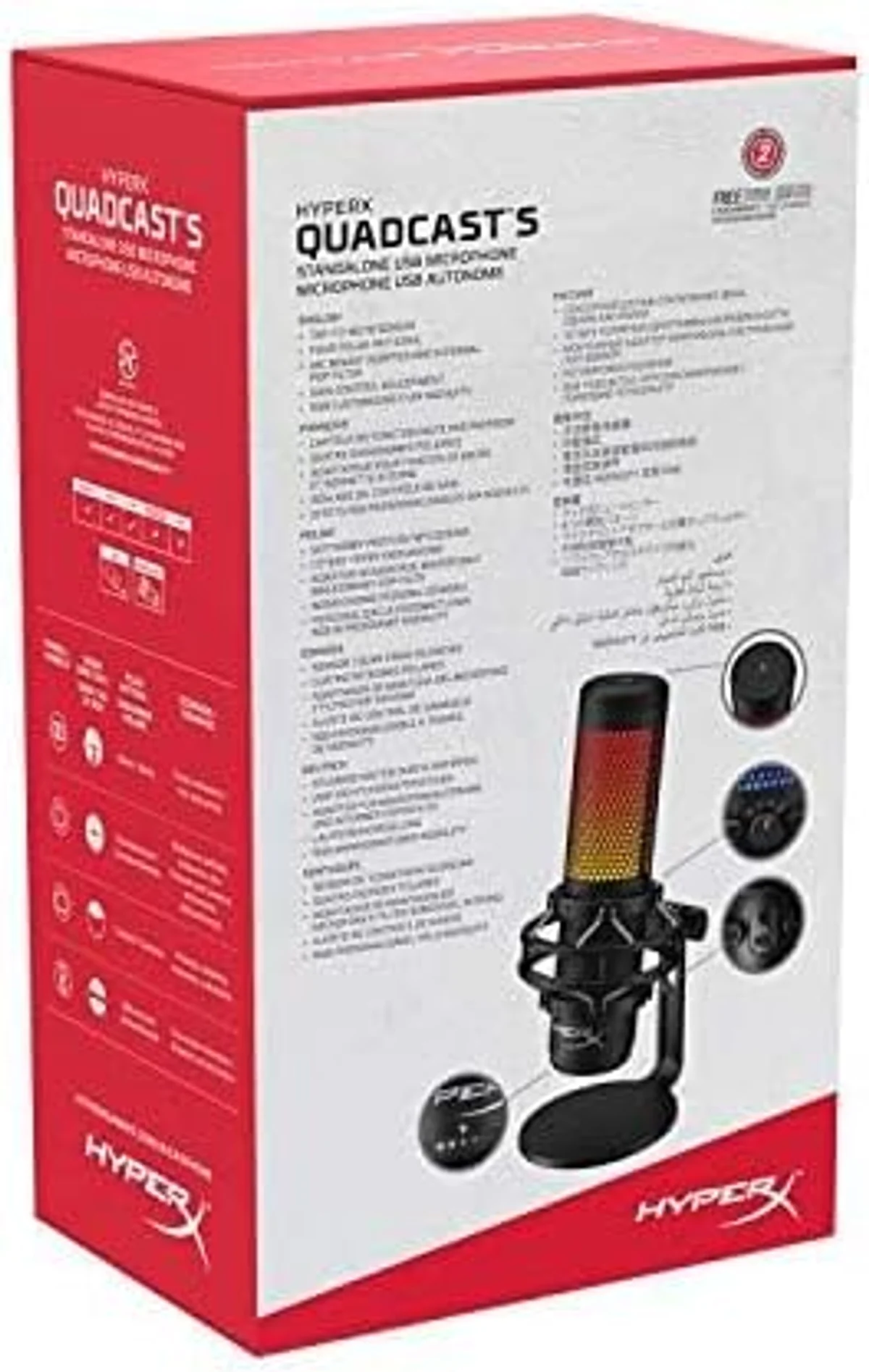 QuadCast S
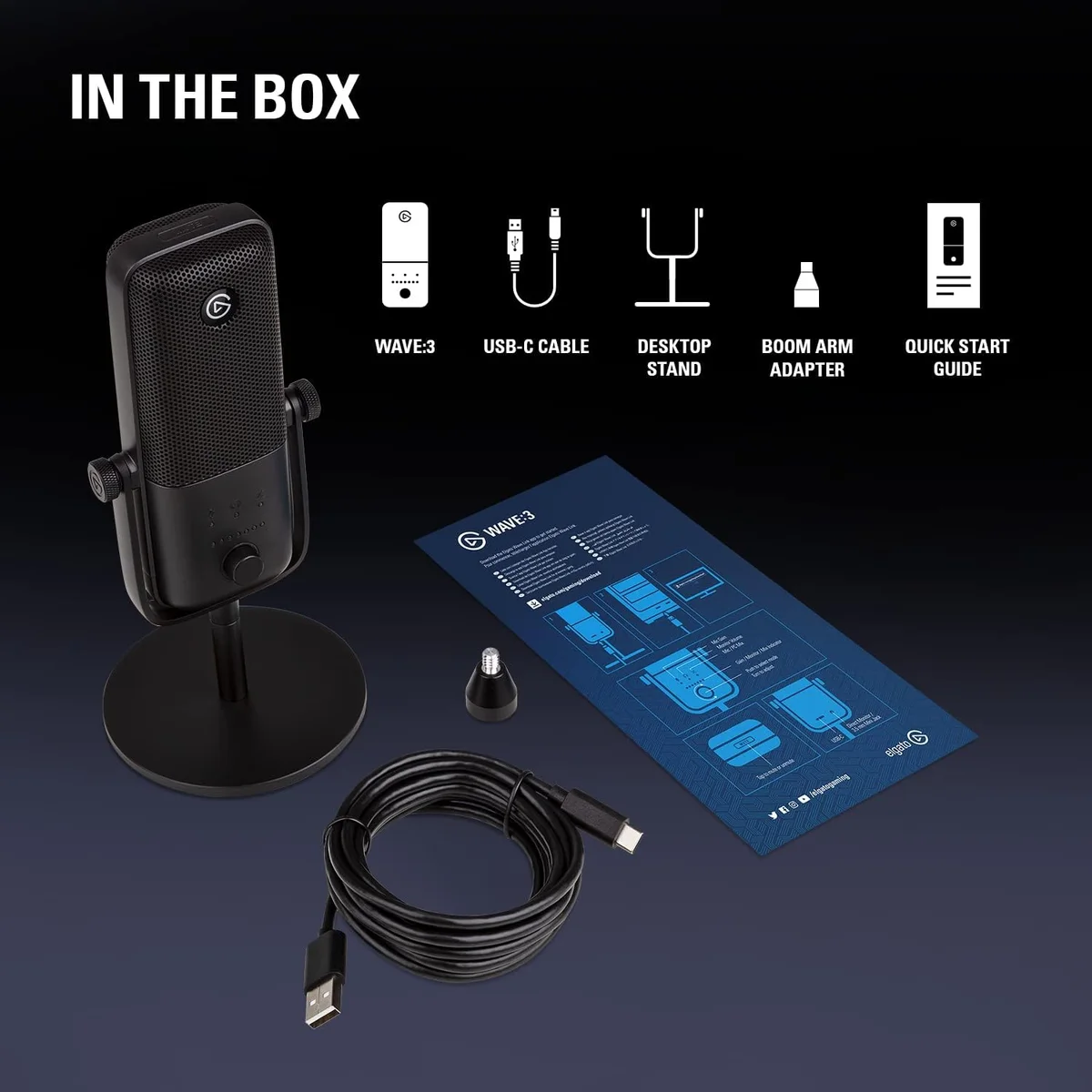 Wave:3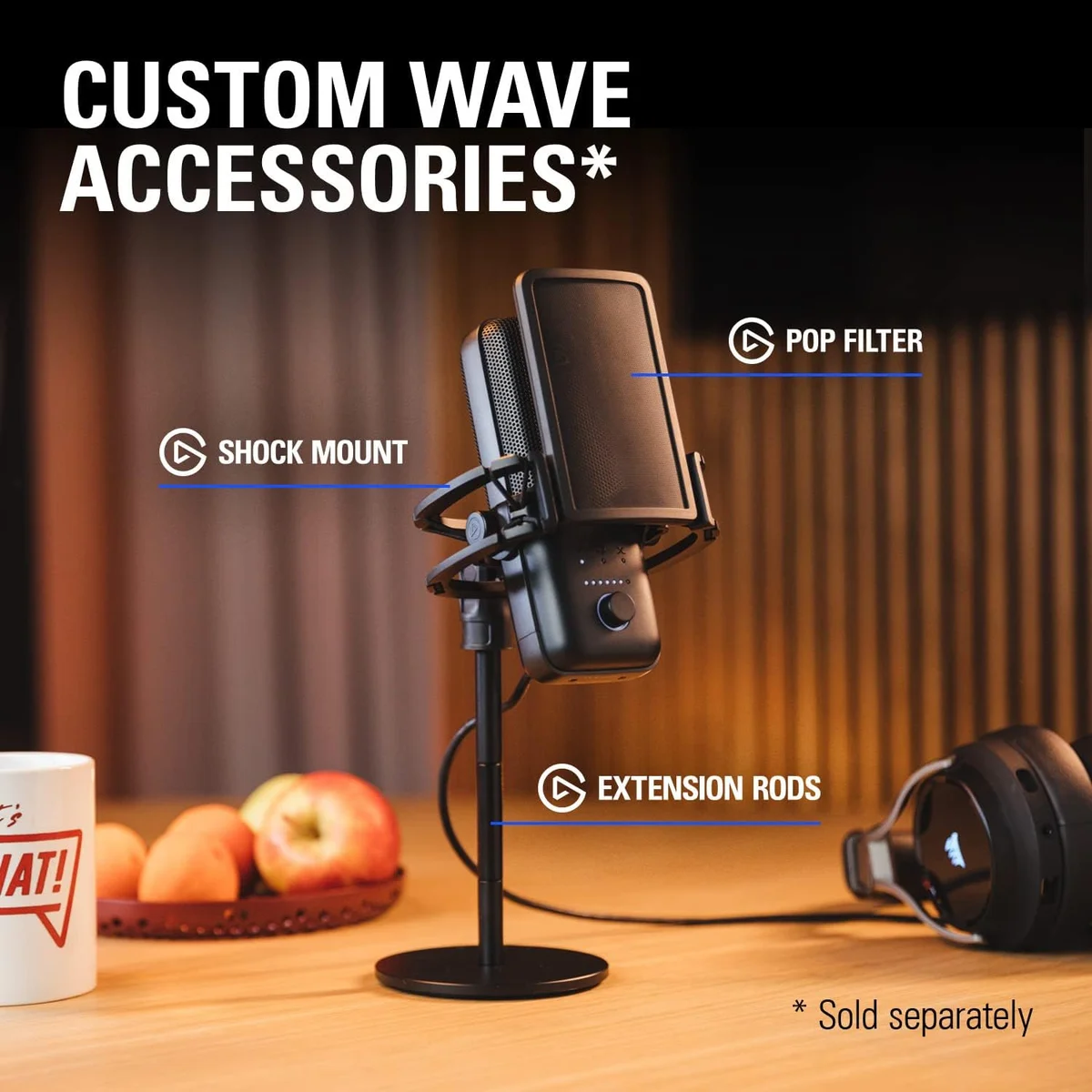
The Streaming Mic Decision
Get the Elgato Wave:3 If...
- You stream with multiple audio sources (game, Discord, music, alerts) and want independent volume control for each — Wave Link is the reason to buy this mic
- You use or plan to use Elgato Stream Deck — the hardware integration with Wave Link creates a physical audio mixing surface
- You worry about audio clipping during excited reactions — Clipguard is a hardware safety net no other mic on this list provides
- Audio routing power matters more than visual desk aesthetics in your streaming priorities
- You prefer a minimal, professional-looking mic that does not draw attention away from your camera setup
Get the HyperX QuadCast S If...
- Your stream camera captures the desk and you want a mic that adds visual production value — RGB customization makes the QuadCast S a design element, not just audio equipment
- You use HyperX or Corsair peripherals and want synchronized RGB across your entire setup through NGENUITY
- Tap-to-mute with dramatic visual confirmation matters — the all-lights-off mute indicator is the most readable mute state on any USB mic
- You need polar pattern flexibility for co-streaming, group content, or ASMR in addition to standard solo streaming
- You prefer a complete, self-contained mic with built-in shock mount and pop filter that needs zero external accessories
For streamers who manage 3+ audio sources in OBS and want native mixing without third-party software: the Wave:3 is the clear choice. Wave Link replaces $200+ of additional hardware or the complexity of VoiceMeeter configuration.
For streamers whose brand includes desk aesthetics and who want the most visually striking mic available: the QuadCast S is unmatched. No other USB mic in our catalog offers comparable visual impact with legitimate audio quality.
For streamers in noisy environments with mechanical keyboards and desktop PCs: neither condenser is ideal. The Shure MV7+ or Rode PodMic USB dynamic mics reject the background noise that both the QuadCast S and Wave:3 capture. Dynamic mics sacrifice the bright, detailed condenser vocal quality for a warmer, focused sound that excludes everything except your voice. For competitive gaming streams where keyboard noise is constant and aggressive, the dynamic trade is worth making.
For budget-conscious streamers who cannot afford either the QuadCast S or Wave:3: the FIFINE AM8 provides a dynamic capsule with RGB at a lower price, and the Samson Q2U delivers clean dynamic audio at the budget tier. Our streaming roundup ranks all nine streaming mic options. Our budget roundup covers the best value picks across all categories.
The bottom line: the Wave:3 wins on streaming-specific utility — Wave Link is the single most valuable streaming mic feature in our catalog. The QuadCast S wins on visual presence and tactile satisfaction — the tap-to-mute and RGB system make streaming feel more polished. Both produce excellent condenser audio that sounds professional on Twitch and YouTube Live. Pick the feature set that matches how you actually stream, not the feature set that sounds best in a review. Our USB microphone roundup covers all nine USB picks in our catalog if neither condenser is right for your setup.
QuadCast S vs Wave:3 — Settled
Which streaming mic has better audio quality — QuadCast S or Wave:3?
Both are condenser microphones with comparable raw audio quality. The Wave:3 records at a higher sample rate (96 kHz/24-bit vs the QuadCast S at 48 kHz/16-bit) which provides more headroom, but the audible difference after Twitch AAC compression is minimal. The Wave:3 edges ahead slightly in voice clarity due to its Clipguard anti-clipping technology that prevents distortion during loud moments.
Does the HyperX QuadCast S RGB affect audio quality?
No. The RGB lighting system is electrically isolated from the audio circuitry. The lights add zero noise, interference, or degradation to the audio signal. You can disable the RGB through NGENUITY software if desired without any audio change. The only potential impact is a minor increase in USB power draw, which is within standard USB specifications.
Which mic is better for OBS multi-track streaming?
The Wave:3, by a wide margin. Wave Link provides native virtual audio mixing — route mic, game, Discord, music, and alerts to separate OBS tracks with independent volume controls. The QuadCast S sends a single audio stream through USB; multi-track routing requires third-party software like VoiceMeeter. If you manage multiple audio sources in OBS, Wave Link is the reason to choose the Wave:3.
Can the QuadCast S four polar patterns be used during streaming?
Technically yes, but practically only cardioid matters for streaming. Bidirectional is useful for co-streaming face to face (two people, one mic). Omnidirectional captures the entire room — useful for party streams or group content. Stereo adds spatial width to ASMR streams. For standard solo streaming with game audio, cardioid is the only pattern that makes sense, and both mics offer cardioid.
Track Both Products
We'll email you if either price drops or availability changes.
Only when something changes. Unsubscribe anytime.