How to Choose a Microphone
The Four Decisions That Matter
Choosing a microphone comes down to four decisions, in this order. Get these right and you will end up with the correct mic for your use case. Get them wrong — especially the first two — and no amount of spending will fix the problem.
We will walk through each decision in order, with specific product recommendations at every tier. By the end, you will know exactly which microphone to buy — or at least have narrowed it down to two or three options.
Decision 1: Dynamic vs Condenser
This is the single most important choice, and most buyers get it wrong because marketing pushes condensers as "studio quality" without mentioning the asterisk: condensers only sound studio-quality in a studio.
Your recording space is a bedroom, home office, or any room without acoustic treatment. Dynamic microphones use a moving-coil design with lower sensitivity — they pick up your voice clearly while ignoring the air conditioning, keyboard clicks, room echo, and street noise that condensers would faithfully reproduce.
You record in a treated room (or plan to treat it), need to capture fine detail for music or ASMR, or want multiple polar patterns for different recording scenarios. Condensers have higher sensitivity and wider frequency response — vocals sound richer and more detailed when the room does not add unwanted reflections.
Decision 2: USB vs XLR Connectivity
USB mics contain a built-in digital converter — plug them into any computer and start recording. XLR mics require a separate audio interface to convert the analog signal to digital. Our complete XLR guide covers the technical details. Here is the practical summary:
USB — Start Here
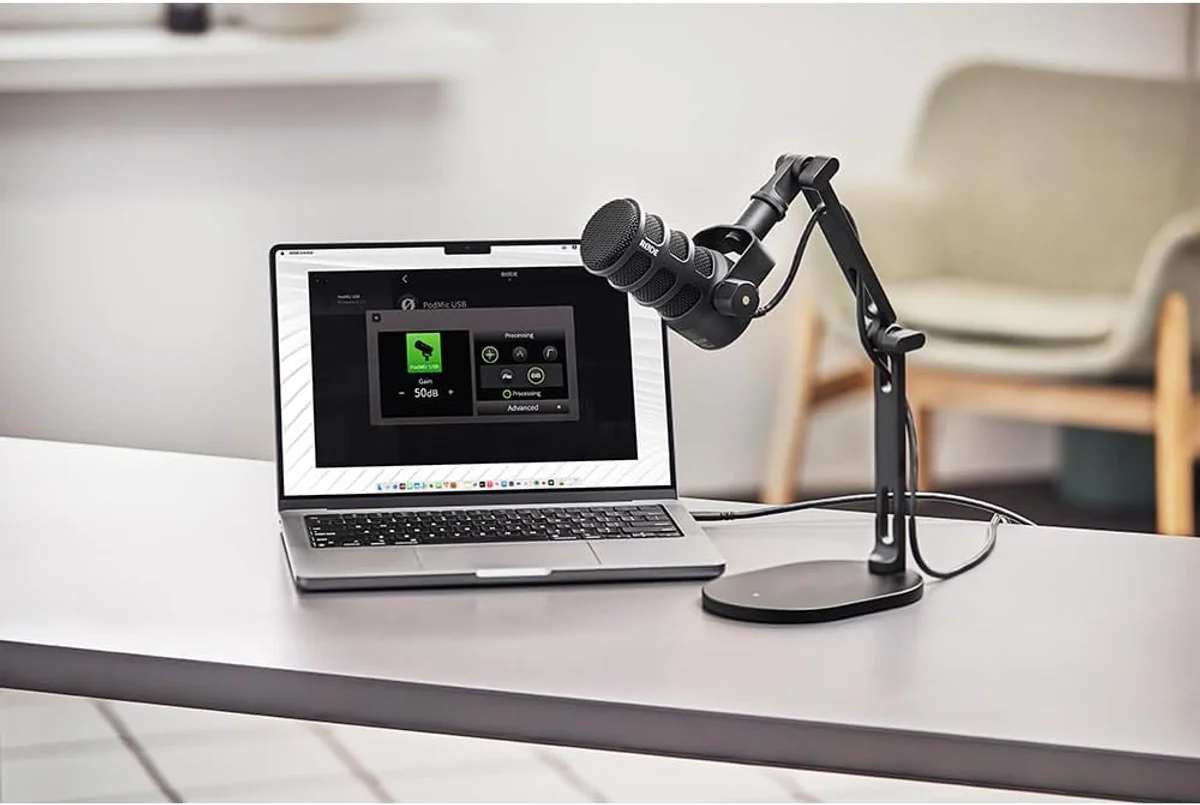
One cable, one mic, done. Perfect for solo creators, beginners, and anyone who values simplicity. Modern USB mics from Shure, Rode, and Elgato produce broadcast-quality audio. You lose the ability to run multiple mics simultaneously and the option to add hardware processing.
XLR — For Growing Setups
Requires an audio interface, but gives you hardware gain control, multi-mic capability, and access to the entire professional audio ecosystem. Choose XLR if you plan to interview guests, record music with multiple sources, or add hardware compressors and preamps down the line.
Both — The Smart Hedge
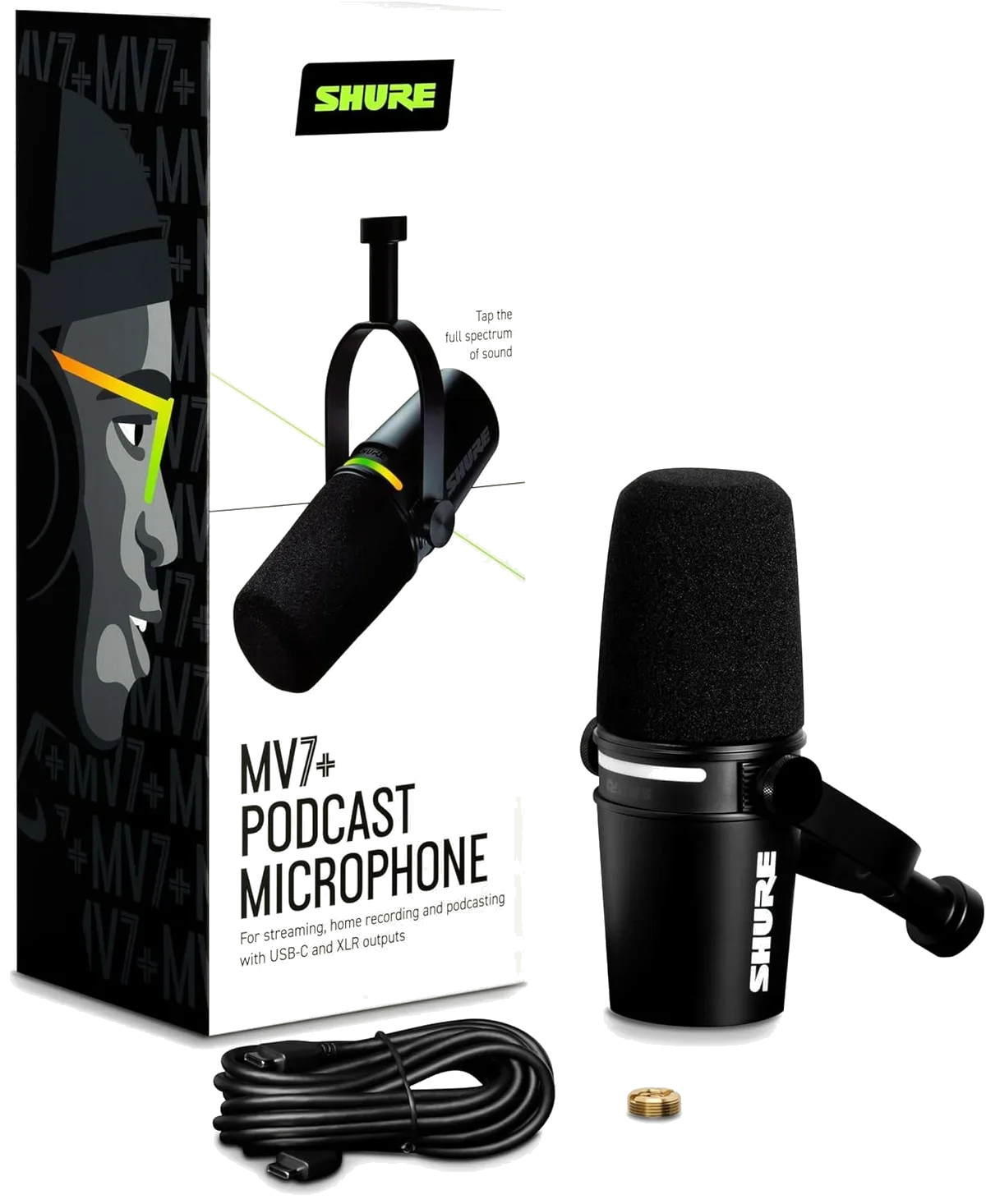
Several mics offer USB and XLR outputs. Start with USB simplicity today; switch to XLR when your setup grows. The Samson Q2U recording mic, Shure MV7+ podcast mic, and FIFINE AmpliGame dynamic mic all support dual connectivity.
Decision 3: Polar Pattern
The polar pattern describes which directions a microphone picks up sound from. For 90% of creators, the answer is cardioid — but understanding the alternatives helps when your recording situation changes.
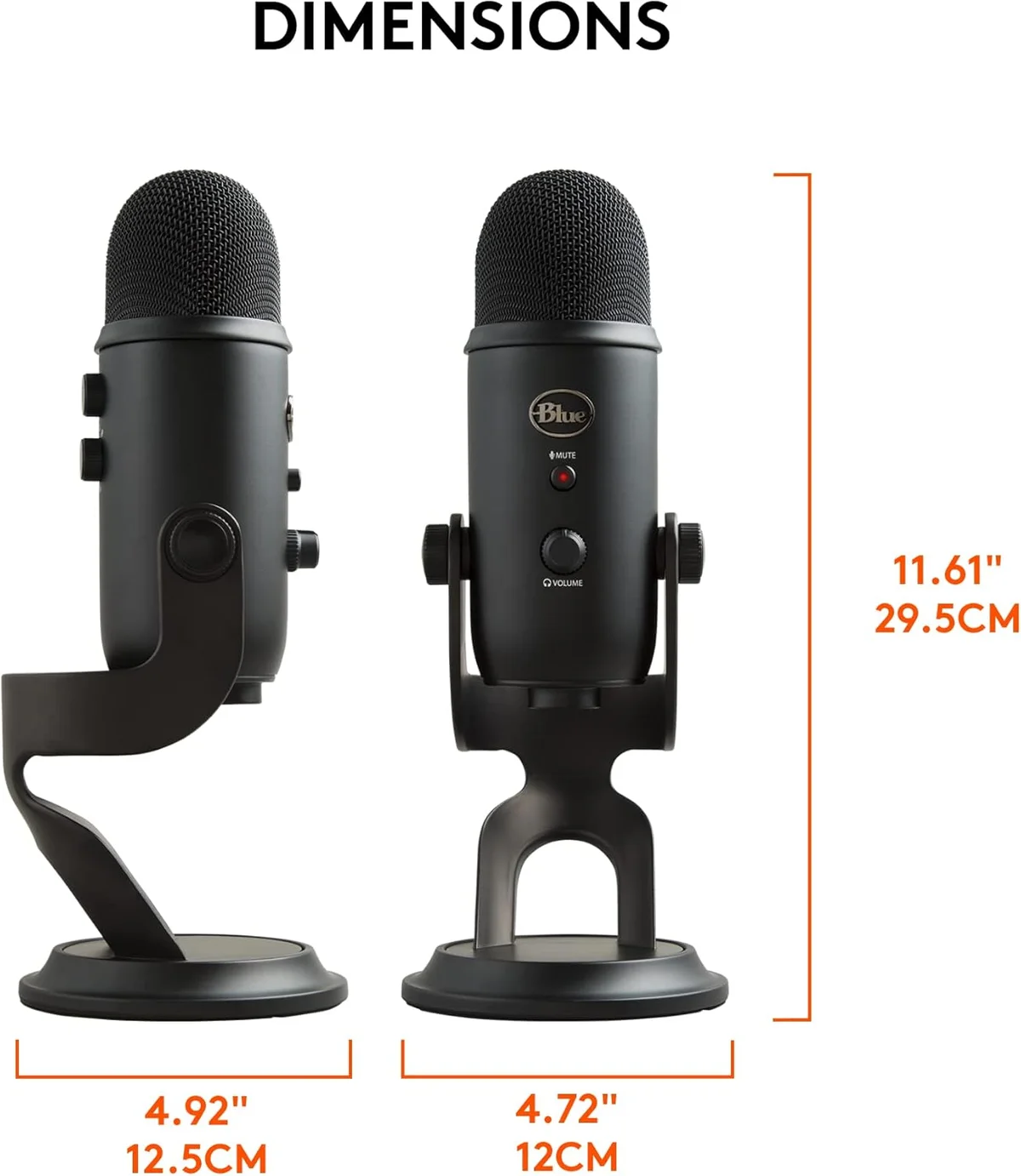
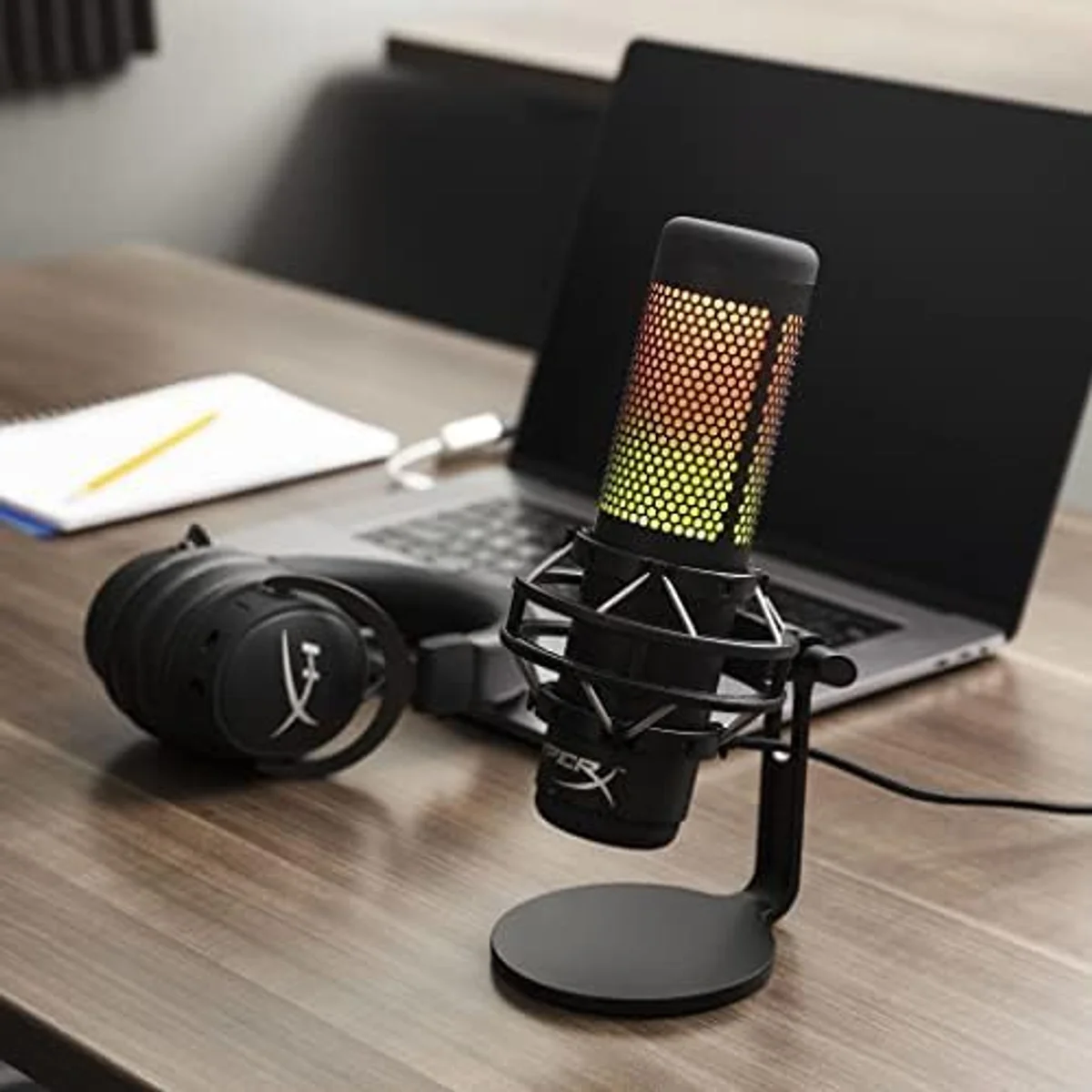
The Blue Yeti USB multi-pattern condenser and HyperX QuadCast S gaming mic offer all four patterns in one mic. Most other USB mics are cardioid-only, which is the right default for solo content creation. Our polar patterns deep dive covers when each pattern actually matters.
Decision 4: Budget Tier
Microphones cluster into clear price tiers with predictable quality jumps. The biggest improvement per dollar happens between the entry tier and the mid-range — after that, returns diminish.
Complete kits for beginners testing the waters. The TONOR TC30 complete starter kit and Razer Seiren V3 Mini compact mic live here. Audio is a step change from laptop mics. Build quality is basic.
The biggest quality-per-dollar tier. The Samson Q2U dual-connectivity mic, FIFINE AmpliGame budget dynamic, HyperX QuadCast S gaming mic, and Blue Yeti multi-pattern condenser deliver audio quality that satisfies most creators permanently.
Professional-grade construction, advanced DSP, and flagship audio quality. The Shure MV7+ broadcast microphone, Elgato Wave:3 streaming mic, and Rode PodMic USB podcasting mic are lifetime purchases for serious creators.
Wireless Microphones: A Separate Category
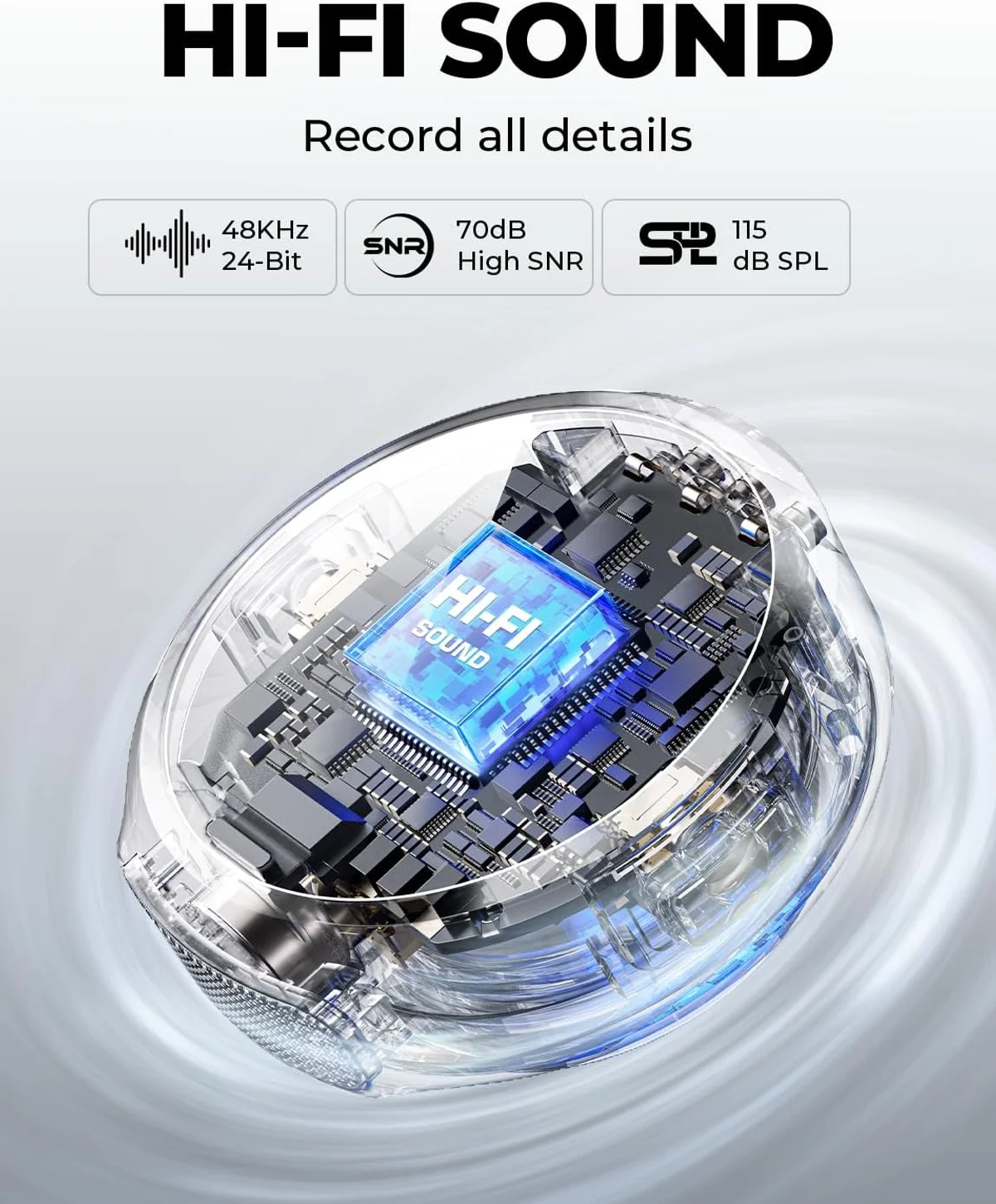
Wireless mics serve a fundamentally different need. Desktop USB/XLR mics sit on your desk. Wireless mics clip to your clothing and transmit audio to your camera or phone. You need wireless if you:
- Shoot video while walking, moving between locations, or standing away from a desk
- Film interviews, vlogs, or on-location content where a desk mic is not an option
- Create TikTok, Instagram Reels, or YouTube Shorts with a smartphone
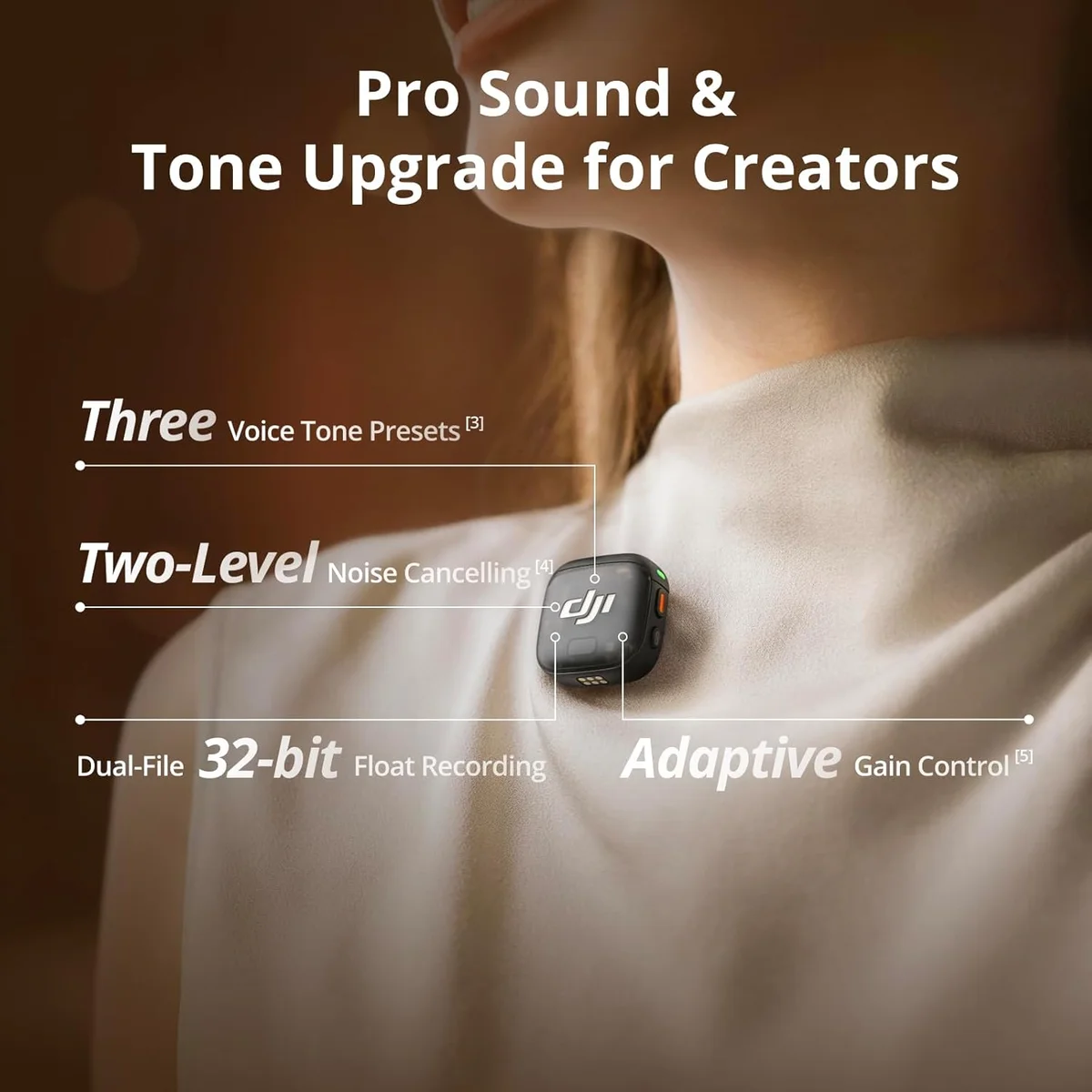
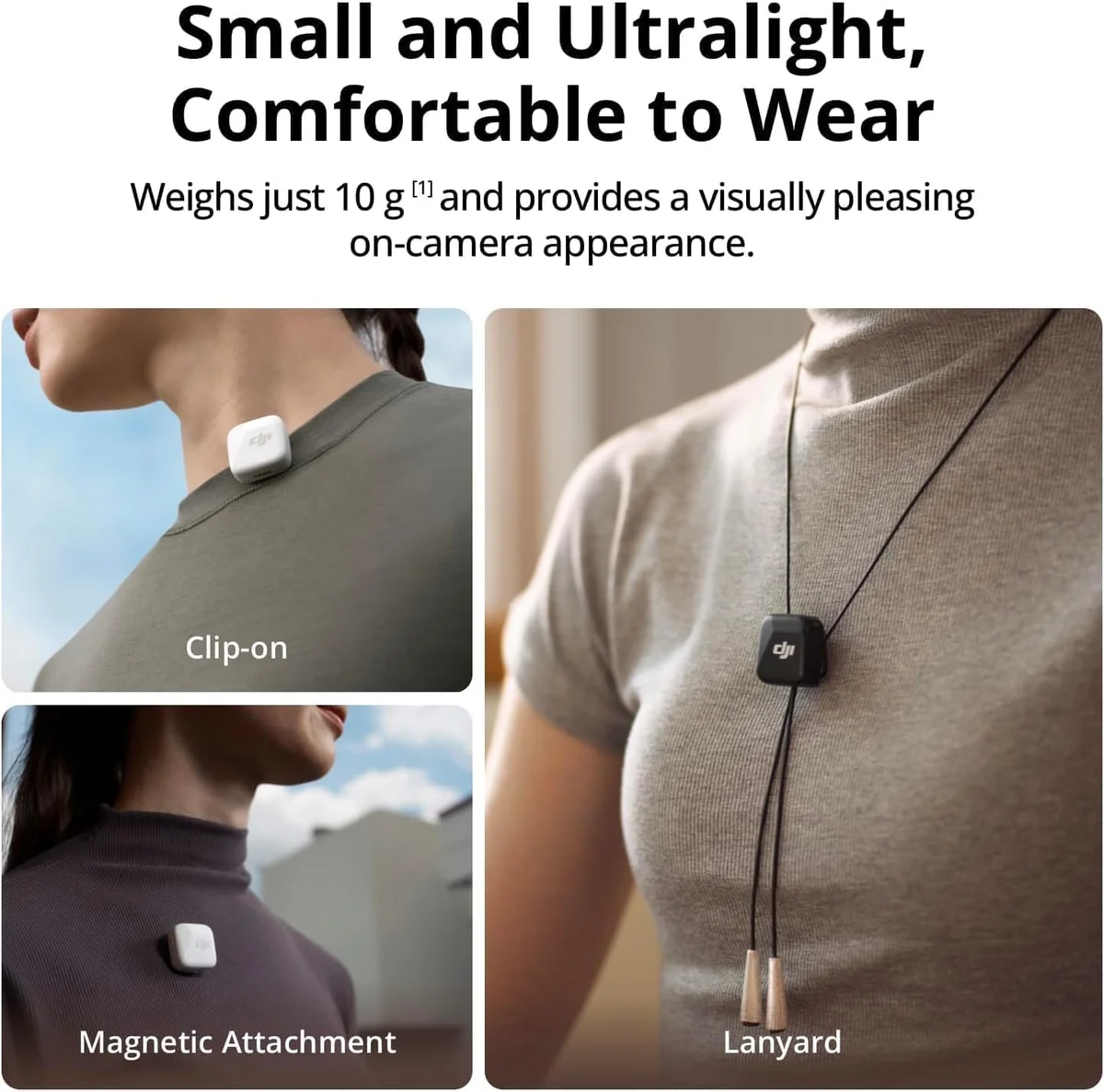
Our wireless microphone buying guide covers the full range of options from budget lavaliers to professional broadcast systems.
Room Treatment Matters More Than Your Mic
We analyze thousands of user reviews, and the most consistent pattern across every microphone in our catalog: negative reviews correlate with untreated rooms, not bad microphones. A budget dynamic mic in a treated room sounds better than a premium condenser in an echoing bedroom.
If you cannot treat your room (and most home creators cannot), choose a dynamic mic and position it 4-6 inches from your mouth. That single decision eliminates 80% of audio quality complaints we see in user reviews. Our guide to reducing background noise covers practical techniques beyond mic selection.
Five Buying Mistakes to Avoid
After reading thousands of user reviews across our entire catalog, we see the same mistakes repeated in product after product. These are the patterns behind 1- and 2-star reviews.
This accounts for roughly 40% of negative microphone reviews in our data. The user buys a condenser expecting "studio quality," then records in a bedroom with hard walls and an HVAC system running. The mic faithfully captures everything — including the room echo and hum. The fix is either room treatment or switching to a dynamic mic.
Desktop microphones are designed for close-proximity use. Sitting 12-18 inches away forces the gain up, which raises the noise floor. The result: thin, echoey audio with audible background hiss. For most USB and XLR mics, the sweet spot is 4-8 inches from your mouth. Use a pop filter if plosives become a problem at close range.
Budget mics like the TONOR TC30 complete beginner kit include stands, pop filters, and shock mounts. But the included stands are universally low quality — wobbly, too short, and they transmit desk vibrations. The single best upgrade for any mic under the premium tier is a boom arm.
Frequency response numbers and sample rate specifications matter less than you think. A mic with "20 Hz - 20 kHz" at 48 kHz/16-bit can sound better for voice than one with wider specs — because capsule tuning and proximity response outweigh spec sheet numbers. Trust user experience over marketing bullet points.
RGB lighting, touch-sensitive mute buttons, and software ecosystems are nice features — but none improve the fundamental audio quality of the capsule. A simple dynamic mic like the Rode PodMic USB often produces cleaner audio than a feature-packed condenser at the same price. Features add convenience. The capsule determines sound.
When Software Changes the Equation
Several microphones ship with companion software that adds EQ, compression, noise reduction, and audio routing. Whether this matters depends on your workflow.
Wave Link — a virtual audio mixer that lets streamers route game audio, Discord, music, and their mic to separate channels in OBS. For Twitch streamers, this alone justifies the purchase. No other USB mic offers anything comparable.
ShurePlus MOTIV with auto-level, digital pop filter, and EQ presets. Useful for podcasters who want set-and-forget processing. The software is still rough — connectivity drops are documented — but the DSP features work well once configured.
Limited or no companion software for audio tuning. HyperX NGENUITY controls the RGB lighting but offers zero EQ. Blue Yeti USB's VO!CE software adds effects but no practical audio improvement. The hardware does the work.
Bottom line: if software features matter to your workflow, the Elgato Wave:3 condenser (streaming) and MV7+ (podcasting) are the two mics where software adds genuine value. For all others, the hardware carries the entire burden and software is decorative.
Pick Your Mic in 30 Seconds
If you have read this far and want the shortest possible answer:
Three Mistakes That Cost New Buyers Money
The first mistake is buying a condenser microphone for an untreated room. Condensers capture everything — voice, keyboard noise, HVAC hum, the neighbor's dog. Dynamic mics reject background noise by design. If your recording space has any ambient sound (and every home office does), start with a dynamic like the Samson Q2U or Rode PodMic USB. Our dynamic vs condenser guide covers the physics behind this difference.
The second mistake is skipping a boom arm. Every desk-mounted mic picks up vibrations from typing, mouse clicks, and the desk surface itself. A $25 boom arm eliminates this entire category of noise. Budget the arm alongside the mic — not as a later upgrade.
The third mistake is chasing specs instead of use case. A mic with 96 kHz sample rate and 24-bit depth is technically superior to one recording at 48 kHz / 16-bit. After YouTube compresses your audio to 128 kbps AAC, the difference is inaudible to your audience. Match the mic to what you actually record, where you record it, and what platform distributes it. The specs that matter at the budget and mid-tier are noise rejection, ease of setup, and included accessories.
The mic you actually use beats the perfect mic you are still researching. Start recording, learn what matters to your specific workflow, and upgrade deliberately based on real experience rather than spec sheet comparisons. That is the approach every successful creator we have studied followed.
Our Top Pick for New Creators
Compare Side by Side
Frequently Asked Questions
What microphone type should a beginner buy?
A USB dynamic microphone. USB eliminates the need for an audio interface, and dynamic capsules reject background noise that condensers would pick up in untreated rooms. The Samson Q2U is the classic beginner recommendation — dual USB/XLR at a budget price with a complete accessory kit included.
Does a more expensive mic always sound better?
No. After a certain tier, you are paying for build quality, software features, and brand premium — not measurably better audio. A well-positioned budget dynamic mic in a quiet room can sound better than a premium condenser in a noisy one. Mic technique and room treatment matter more than price above the entry tier.
Should a podcaster choose dynamic or condenser?
Dynamic. Podcasting typically happens in home offices without acoustic treatment. Dynamic mics focus on your voice and reject ambient noise. Condensers capture more detail but also more room echo, keyboard clicks, and HVAC hum. Every major podcast recommendation list — ours included — leads with dynamic mics for home use.
Do content creators need a wireless microphone?
Only if you move while recording. YouTubers shooting walk-and-talk content, vloggers, and interviewers benefit from wireless freedom. Desktop creators recording at a fixed position get better audio quality from a wired USB or XLR mic. Wireless adds convenience at the cost of battery management and slightly lower fidelity.
What is the most important microphone spec?
Polar pattern. It determines which directions the mic picks up sound from, which directly affects how much background noise enters your recording. Cardioid (front-only) is the default for solo creators. The type of mic (dynamic vs condenser) is the second most important factor, followed by connectivity (USB vs XLR).
Can a cheap microphone produce professional audio?
Yes, with caveats. Mics in the budget tier produce audio that is noticeably better than laptop or headset mics. The FIFINE AmpliGame and TONOR TC30 deliver clean recordings at minimal cost. The gap between budget and mid-range is larger than between mid-range and premium. Spending just slightly more — stepping up to the Samson Q2U tier — yields the biggest quality jump per dollar.
Our Top Recommendation
Based on our research, the Shure MV7+ is our top pick — serious podcasters and streamers who want a single mic that works with both usb-c and xlr, especially in untreated rooms..
Get Our Top 3 Picks
Get our top 3 picks for your budget — one email, then only updates.
Only when something changes. Unsubscribe anytime.