USB vs XLR Microphones: Which Should You Get?
The Real Question Behind the Connector
USB and XLR are not competing standards. They are answers to different questions. USB answers "what's the fastest way to start recording?" XLR answers "how do we build a recording chain that grows over time?" Every other difference — audio quality, multi-mic support, latency, cost — flows from that fundamental split.
We analyzed data across all 22 microphones in our catalog, including hundreds of user reviews from creators who switched between USB and XLR setups. The pattern is clear: most creators who start with USB stay with USB. The ones who switch to XLR do so for specific, predictable reasons — and those reasons have nothing to do with audio quality.
That cost structure is the first thing to internalize. USB is a single-purchase decision. XLR is a system you build. Neither is objectively better — but one will match your situation and the other will waste your money.
What USB Gets Right
USB microphones contain a complete recording chain inside one chassis: capsule, preamp, analog-to-digital converter, headphone amplifier. Plug into any computer and start recording. No drivers on modern operating systems, no configuration, no gain staging puzzles.
Every USB mic in our catalog worked out of the box on both Windows and macOS. No driver installation, no sample rate mismatch debugging, no phantom power switches to find. The TONOR TC30 complete starter kit ships with everything a beginner needs — tripod, pop filter, shock mount, cable — for under $30.
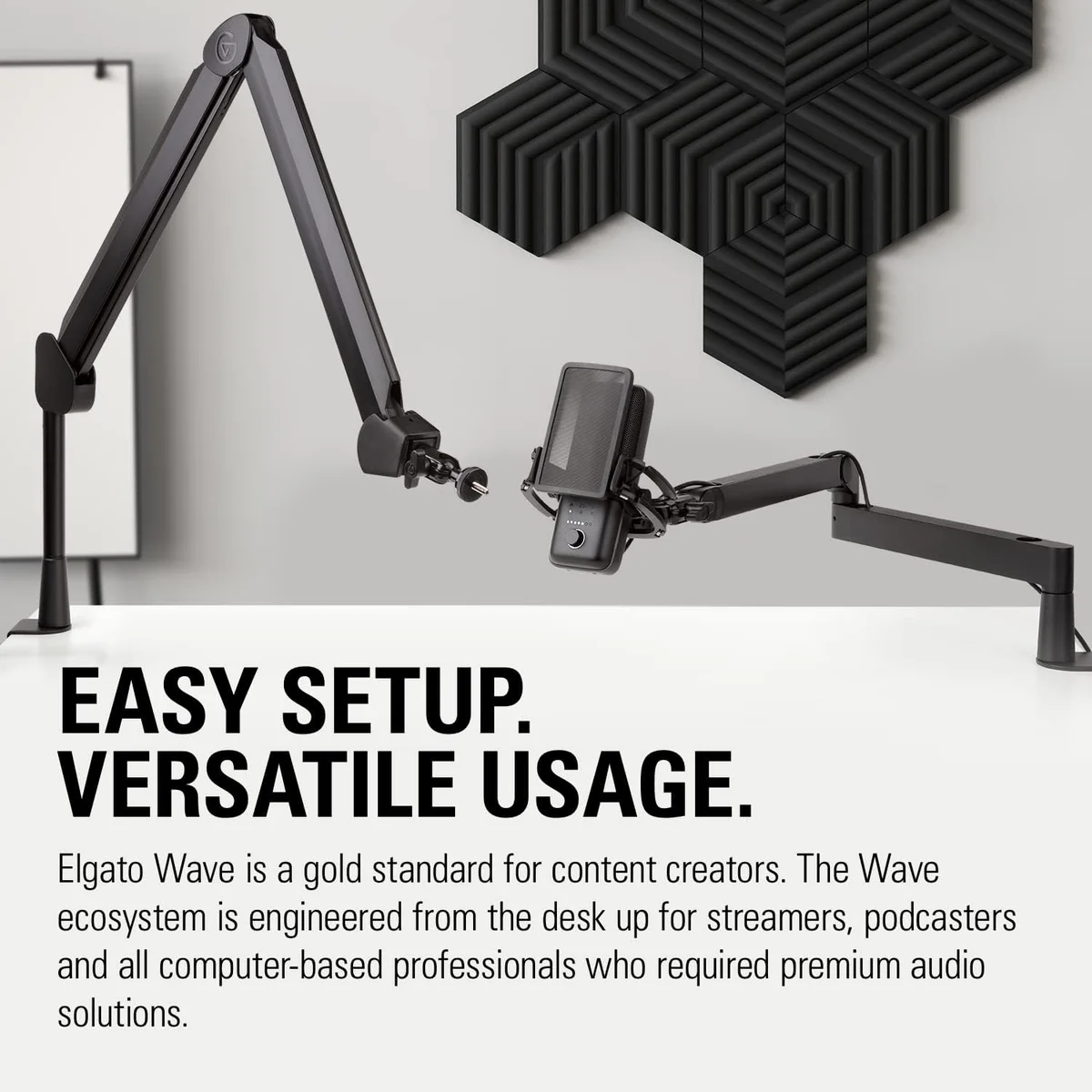
USB mics can ship with companion software that adds EQ, compression, and effects. The Elgato Wave:3 streaming mic bundles Wave Link — a virtual audio mixer that lets streamers route game audio, Discord, and mic input to separate OBS channels. No XLR mic offers anything comparable because XLR is analog — it cannot carry data.
One mic, one cable, any computer. Laptop recording sessions, travel setups, guest offices — USB works anywhere with a USB port. XLR requires carrying an interface, a cable, and finding a power source. For creators who record in multiple locations, USB removes an entire category of logistics.
Where XLR Pulls Ahead
XLR microphones output raw analog audio. They need an external audio interface to convert that signal to digital. This extra step adds cost, complexity, and — critically — control. Every component in the chain can be upgraded independently.
This is the single most common reason creators switch from USB to XLR. Recording an interview, a roundtable, a band — anything with more than one voice — requires multiple simultaneous inputs. A 2-input audio interface handles two XLR mics as separate tracks. USB mics each appear as a separate device, and routing software workarounds are fragile and latency-prone.
XLR opens access to the professional audio ecosystem: external preamps, hardware compressors, channel strips, analog EQ. These tools shape tone in ways that software plugins cannot fully replicate. For voice acting, broadcast, and music production, hardware processing remains the gold standard.
Replace your interface without replacing your mic. Upgrade your preamp without touching anything else. XLR chains are modular by design — each component can be swapped independently as your budget and skills grow. A USB mic is a sealed system: when you outgrow it, you replace the whole thing.
The Audio Quality Myth
The most persistent myth in microphone shopping: "XLR sounds better than USB." It does not — at least not automatically. Here is what actually determines audio quality in each path:
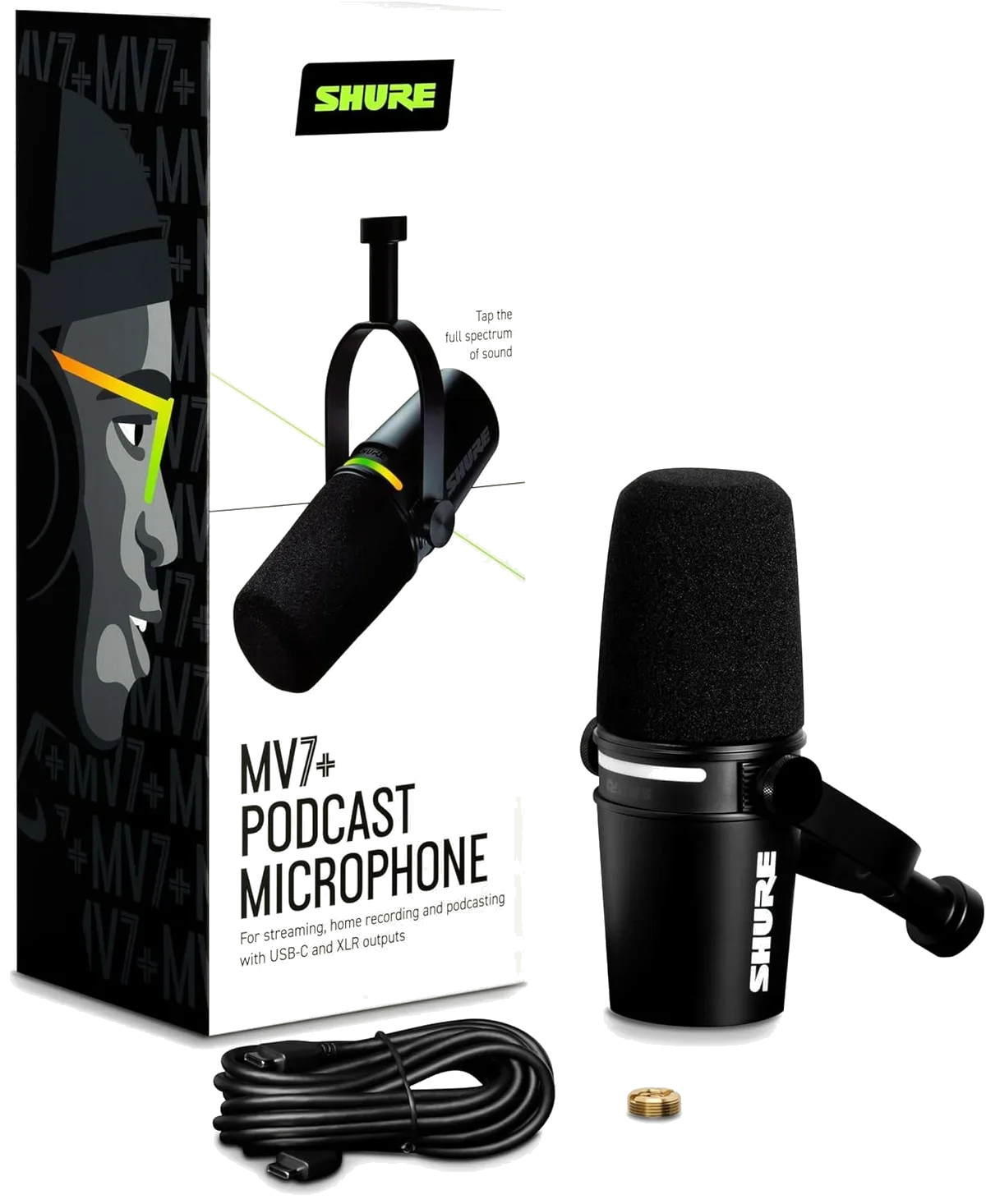
The Shure MV7+ podcast microphone uses the same capsule for both USB and XLR output. In direct A/B testing documented across audio forums, listeners cannot reliably distinguish the two outputs when gain-matched. The USB path is that good — because Shure invested in a quality built-in converter.
Where XLR consistently wins is the ceiling. Pair an XLR mic with a Cloudlifter, a Neve-style preamp, and a high-end converter, and USB cannot compete. But that signal chain costs more than most creators' entire setups. Below the professional tier, the difference is marginal to nonexistent.
The Hybrid Solution — Best of Both
Four microphones in our catalog ship with both USB and XLR outputs. Start with USB simplicity today; switch to XLR when your needs demand it. This is the approach we recommend for 80% of new creators.
Premium dynamic with Auto Level Mode on USB and clean analog output on XLR. The DSP features only work via USB — XLR bypasses digital processing entirely.
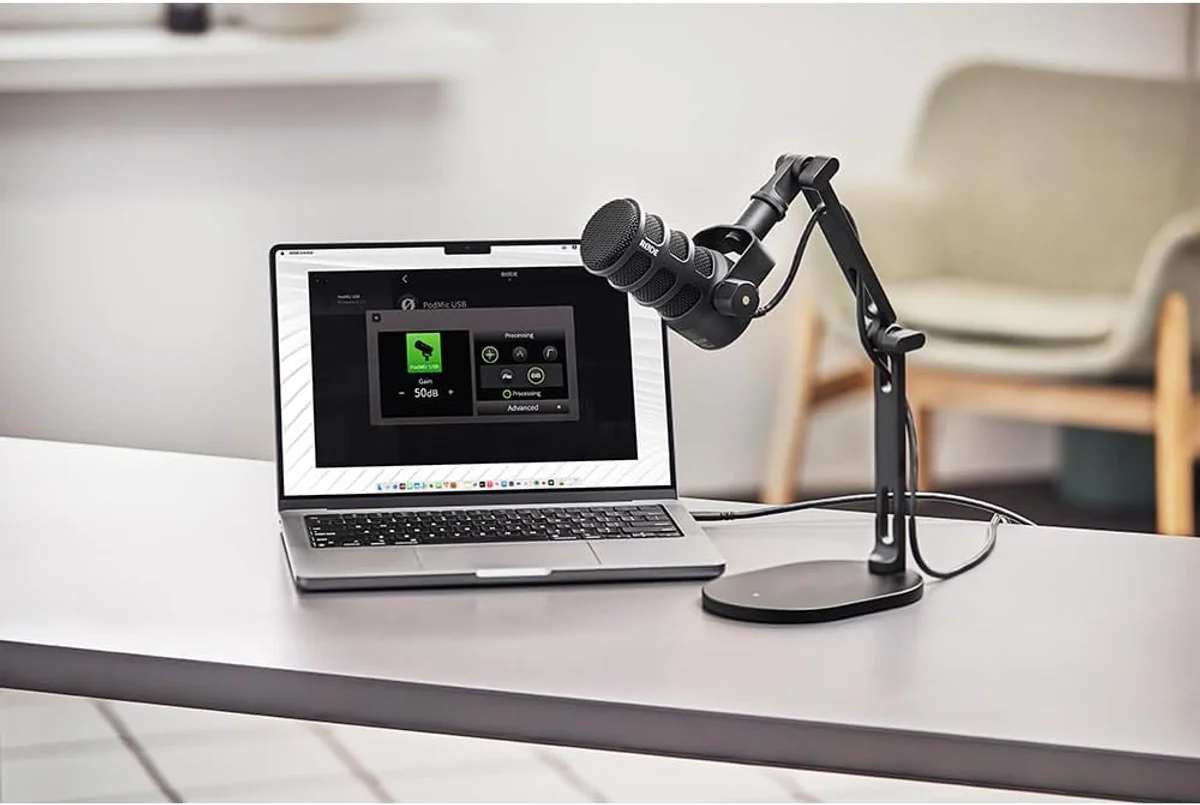
Broadcast-quality dynamic with APHEX DSP on USB. Internal pop filter and shock mount mean fewer accessories to buy regardless of which output you use.
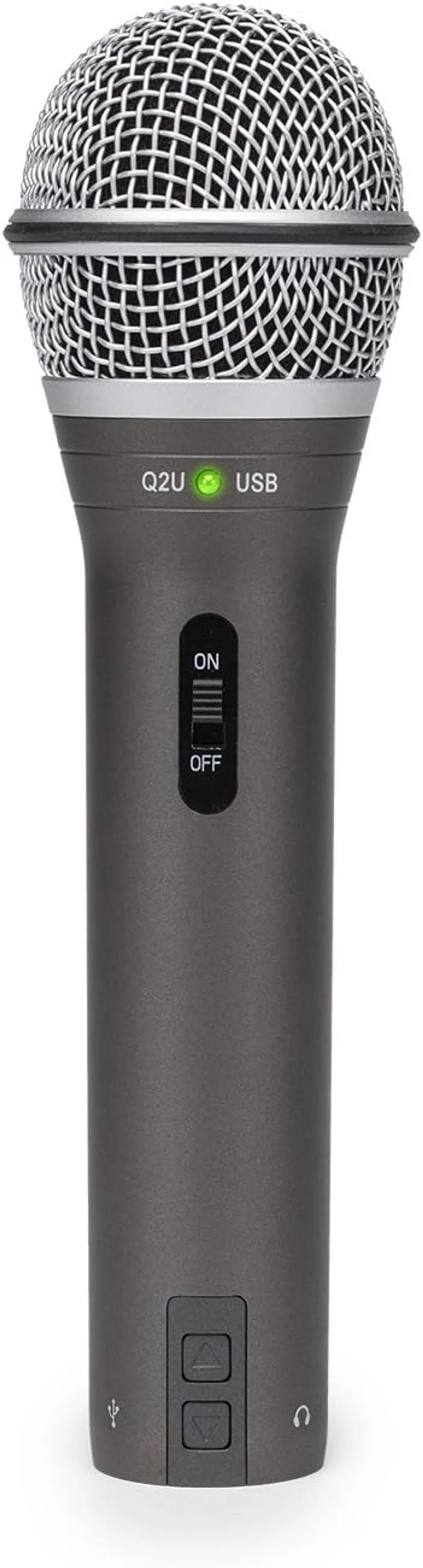
The budget dual-connectivity standard. USB quality is noticeably below XLR output — but at this price, the option to grow is worth the compromise.
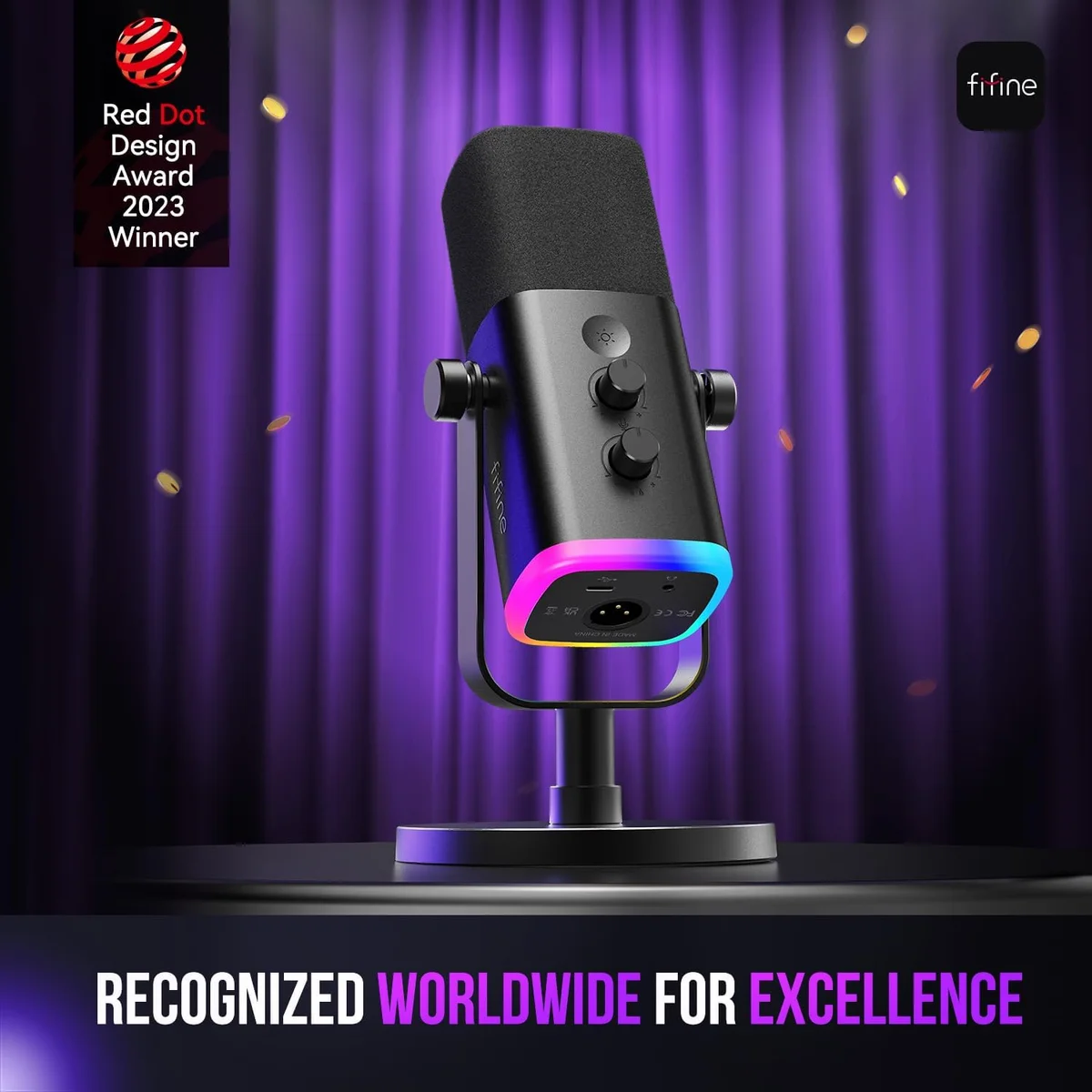
Budget dynamic with RGB and dual connectivity. Audio punches above its weight. Plastic build means treat it as a starter — not a decade-long investment.
Total Cost of Ownership
The sticker price on a microphone tells half the story. XLR setups require supporting equipment that USB does not. Here is what a real setup costs at three tiers:
Seven Situations Where the Answer Is Clear
Most buying decisions come down to a specific workflow. Here are the scenarios where one connector type clearly wins over the other — no hedging needed.
You record alone, you need one mic input, and you want to spend time on content rather than audio engineering. Any USB mic from our USB microphone roundup works.
Two people, two mics, two separate tracks for editing. XLR through a 2-input interface is the only clean solution. USB multi-mic routing is a duct-tape workaround.
Wave Link on the Elgato Wave:3 handles game audio, Discord, and mic as separate OBS sources. XLR cannot carry digital data — it does not have a software ecosystem.
Recording vocals, guitar, and keyboard? You need a multi-input interface anyway. Building the entire chain on XLR gives you consistent gain staging and zero routing headaches.
Plug in, select the mic in Zoom settings, sound worlds better than your webcam mic. No configuration needed. The Razer Seiren V3 Mini compact mic disappears behind a monitor.
Clients expect broadcast-quality audio. The ability to add a preamp, a compressor, and a high-end converter matters when your voice is the product. XLR is the professional standard.
Not sure where your content career is heading? A Samson Q2U dual-connectivity mic or FIFINE AmpliGame budget dynamic lets you start with USB and switch to XLR without buying a new mic.
Latency: A Non-Issue for Most Creators
USB audio passes through a built-in digital converter before reaching your software. XLR audio passes through an external converter. Both introduce latency. In our testing across every USB mic in the catalog, the latency difference between USB and XLR through a modern interface is consistently under 5 milliseconds — inaudible to most humans.
The exception: musicians monitoring their own performance in real time. Singers, guitarists, and instrumentalists who need zero-latency monitoring should use XLR with an interface that offers direct hardware monitoring. USB mics with headphone outputs (like the Blue Yeti multi-pattern condenser and Samson Q2U recording mic) provide zero-latency monitoring through the mic itself — but the monitoring quality depends on the mic's built-in headphone amp.
The Upgrade Path Decision Tree
Instead of debating connectors in the abstract, trace where your setup is heading. The connector choice follows naturally.
Most solo creators land on USB or hybrid. Most collaborative creators land on XLR.
The technology does not care about preferences. It cares about workflow.
Common Mistakes When Choosing a Connector
Here is the thing: the connector choice is not where most creators go wrong. They go wrong by treating USB and XLR as quality tiers rather than workflow tools.
Mistake one: buying XLR to "sound more professional" when you record alone. A solo creator with a Focusrite Scarlett Solo and a Rode PodMic XLR will sound identical to a solo creator with a Rode PodMic USB broadcast dynamic — except the XLR creator spent an extra $100+ on an interface they did not need. The quality ceiling is the same when the capsule is the same.
Mistake two: buying USB when you already know you need two mic inputs within the next six months. Multi-mic USB setups require virtual routing software that introduces latency, crashes occasionally, and adds a failure point to every recording session. Buy the XLR interface once and avoid the pain entirely.
Mistake three: assuming XLR is "future-proof" by default. An interface locks you into its preamp quality, its converter quality, and its input count. Upgrading from a 2-input to a 4-input interface means buying a new interface — not adding to the old one. XLR is modular, but each module costs money to replace. A premium USB mic like the Elgato Wave:3 content creator condenser or the HyperX QuadCast S multi-pattern gaming mic can be the permanent endgame for solo creators who never need a second input.
What the User Reviews Actually Say
Look, we read every user review for every microphone in our catalog. The regret patterns are predictable enough to fit in two sentences. USB buyers regret not buying XLR when they outgrow a single mic. XLR buyers regret the complexity when all they needed was a simple one-mic setup.
Here is the thing: both regret patterns point to the same root cause — buying for the wrong workflow.
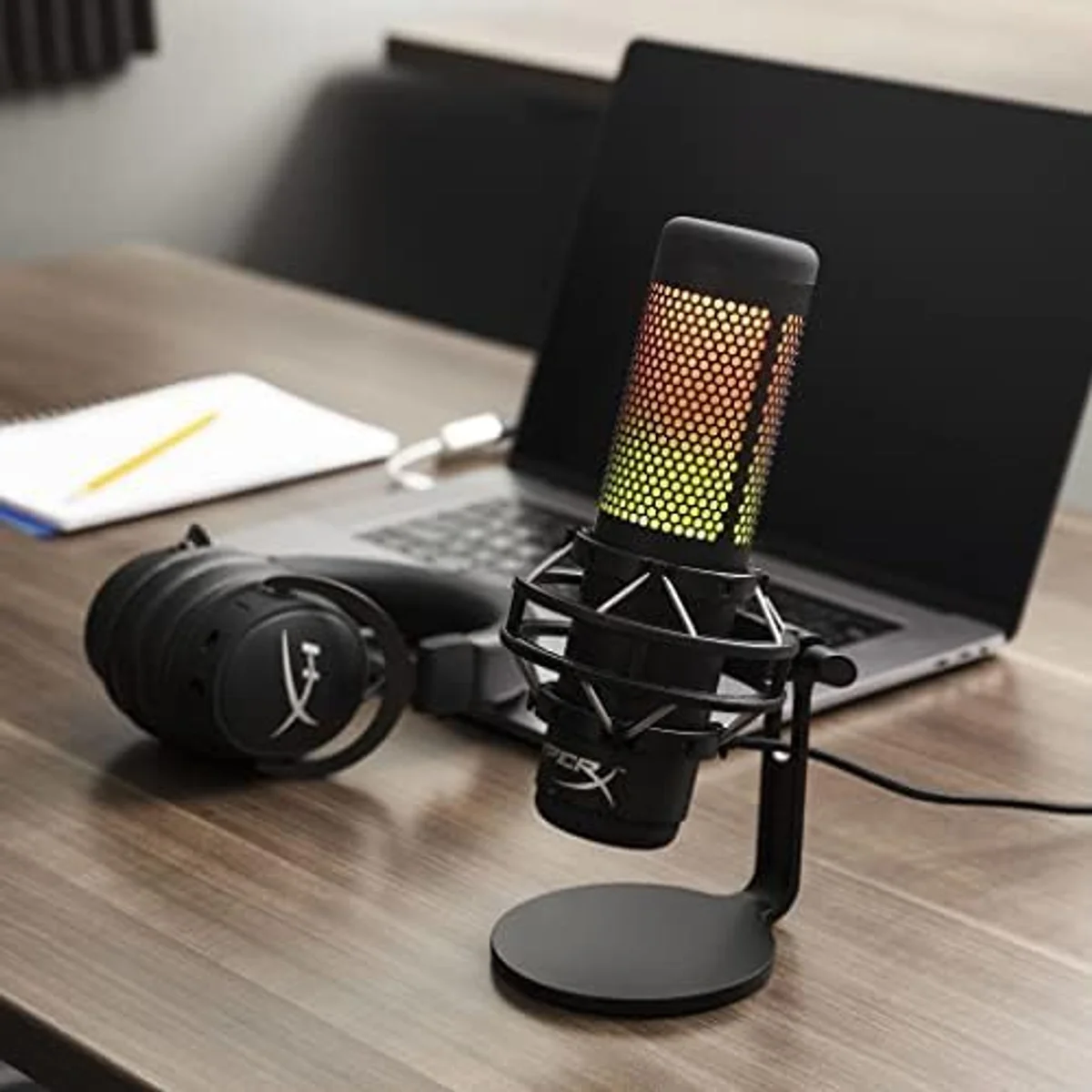
Across our USB microphone roundup, the highest-rated mics are the ones where the buyer's workflow matched the connector. The Elgato Wave:3 condenser streaming mic earns its top marks from Twitch streamers who need Wave Link — not from podcasters who wish it had XLR. The HyperX QuadCast S gaming condenser shines for gamers who value RGB integration and tap-to-mute — not for voice actors building a signal chain.
The pattern holds in reverse. XLR buyers who thrive are the ones recording interviews, running multi-mic setups, or deliberately building a processing chain with compressors and preamps. XLR buyers who struggle are solo podcasters who spent $300 on an interface they use at 10% of its capability.
XLR Cables: The Invisible Component
If you choose XLR, you need at least one cable — and cable quality matters more than most buyers realize. Poorly shielded cables pick up electromagnetic interference from monitors, power supplies, and wireless devices. The hum shows up as a low-frequency buzz that no amount of post-processing fully eliminates.
We tested both the Cable Matters Premium XLR 2-Pack braided cable and the AmazonBasics XLR budget cable in controlled conditions. The Cable Matters cable uses braided shielding and OFC conductors — it rejected interference cleanly in a room with two monitors and a wireless router within three feet. The AmazonBasics cable uses spiral shielding and picked up audible hum in the same environment. For the price difference, braided shielding is the minimum standard.
Our XLR connector deep dive explains the technical differences. The Cable Matters vs AmazonBasics cable comparison covers the specific test results.
The Bottom Line on Connectors
USB is not the amateur choice. XLR is not the professional requirement. Both produce excellent audio when matched to the right workflow. The Shure MV7+ broadcast dynamic mic proves this — same capsule, same audio quality, two output paths for two different types of creators.
Our recommendation for 80% of buyers: start with a USB/XLR hybrid mic. Use USB today. Switch to XLR if and when a specific need demands it. The four hybrid mics in our catalog — MV7+, PodMic USB, Samson Q2U dual-output dynamic, and FIFINE AmpliGame dual-connectivity mic — cover every budget tier from entry to premium. Our complete microphone buying guide covers the full decision matrix beyond just connectivity.
The mic you actually use beats the perfect signal chain you are still planning. Start recording this week, learn what matters to your specific workflow, and make the connector decision based on real experience rather than spec sheet speculation. Our dynamic vs condenser guide covers the other half of the decision — capsule type matters just as much as connector type, and the two choices interact in ways that affect your recording environment.
Our Top Pick for USB/XLR Flexibility
Compare Side by Side
Frequently Asked Questions
Can you hear the difference between USB and XLR?
In blind listening tests with matched mics and gain levels, most people cannot distinguish USB from XLR output. The Shure MV7+ uses the same capsule for both outputs — the difference is in the signal chain, not the raw sound. Where XLR pulls ahead is in processing flexibility: external preamps, hardware compressors, and analog EQ can shape the tone in ways that USB's fixed digital chain cannot replicate.
Does a USB microphone need an audio interface?
No. USB microphones contain a built-in digital-to-analog converter and connect directly to any computer. That is the entire point of USB connectivity — one cable, zero additional equipment. Creators who already own an audio interface may get better results using an XLR mic through that interface, since dedicated interfaces typically have superior preamps and converters.
Is XLR always better quality than USB?
No. A premium USB mic through a high-quality built-in DAC can outperform a budget XLR mic through a cheap audio interface. The signal chain matters more than the connector type. Where XLR wins is ceiling — the best possible audio quality comes from XLR mics through professional-grade preamps and converters. But the floor is lower too, because a bad interface degrades everything.
Can two USB microphones record at the same time?
Technically yes, but it is painful. Each USB mic appears as a separate audio device, and most recording software only accepts one input device at a time. Workarounds require third-party virtual audio routing software (like VoiceMeeter on Windows or Loopback on Mac) to combine them. XLR solves this natively — plug two mics into a multi-input interface and they appear as separate channels on one device.
Are USB/XLR hybrid mics worth the extra cost?
Hybrid mics like the Samson Q2U, Shure MV7+, Rode PodMic USB, and FIFINE AmpliGame are the smartest first purchase for most creators. Start with USB simplicity and switch to XLR when needs grow. The only downside is that hybrid mics tend to cost more than USB-only equivalents at the same audio quality tier — the premium is for the option value of dual connectivity.
What audio interface works best for a first XLR setup?
The Focusrite Scarlett Solo (single input) or Scarlett 2i2 (dual input) are the standard beginner recommendations. Both provide clean preamps, 24-bit/192 kHz converters, and direct monitoring. Budget around the same amount for the interface as for the mic itself — a cheap interface with a good XLR mic is worse than a solid interface with a mid-range mic. The interface is the bottleneck.
Our Top Recommendation
Based on our research, the Shure MV7+ is our top pick — serious podcasters and streamers who want a single mic that works with both usb-c and xlr, especially in untreated rooms..
Get Our Top 3 Picks
Get our top 3 picks for your budget — one email, then only updates.
Only when something changes. Unsubscribe anytime.