Best Microphones for Gaming
Keyboard Noise Is the #1 Gaming Audio Problem
Here is the thing about gaming mics: the microphone itself is rarely the weak link. The room is. Mechanical keyboards, case fans spinning at 2,000 RPM, GPU coil whine, open-back headphones leaking game audio — a gaming desk is an acoustic disaster zone. Every mic recommendation in this guide is evaluated against that reality, not studio conditions.
We tested eight mics on an active gaming desk with a Cherry MX Brown keyboard, a 3-fan GPU, and an open window. The results split cleanly by mic type. Condensers picked up everything. Dynamics rejected almost everything. The mics in between — super-cardioid condensers like the Razer Seiren V3 Mini budget condenser — fell somewhere in the middle, usable but not invisible.
Most gaming mic buyers make the same mistake: they optimize for audio quality in isolation instead of noise rejection under real conditions. A condenser mic that sounds gorgeous in a silent room becomes a liability when your teammates can hear every keystroke. The full background noise treatment chain starts with mic selection — and that is what this guide solves.
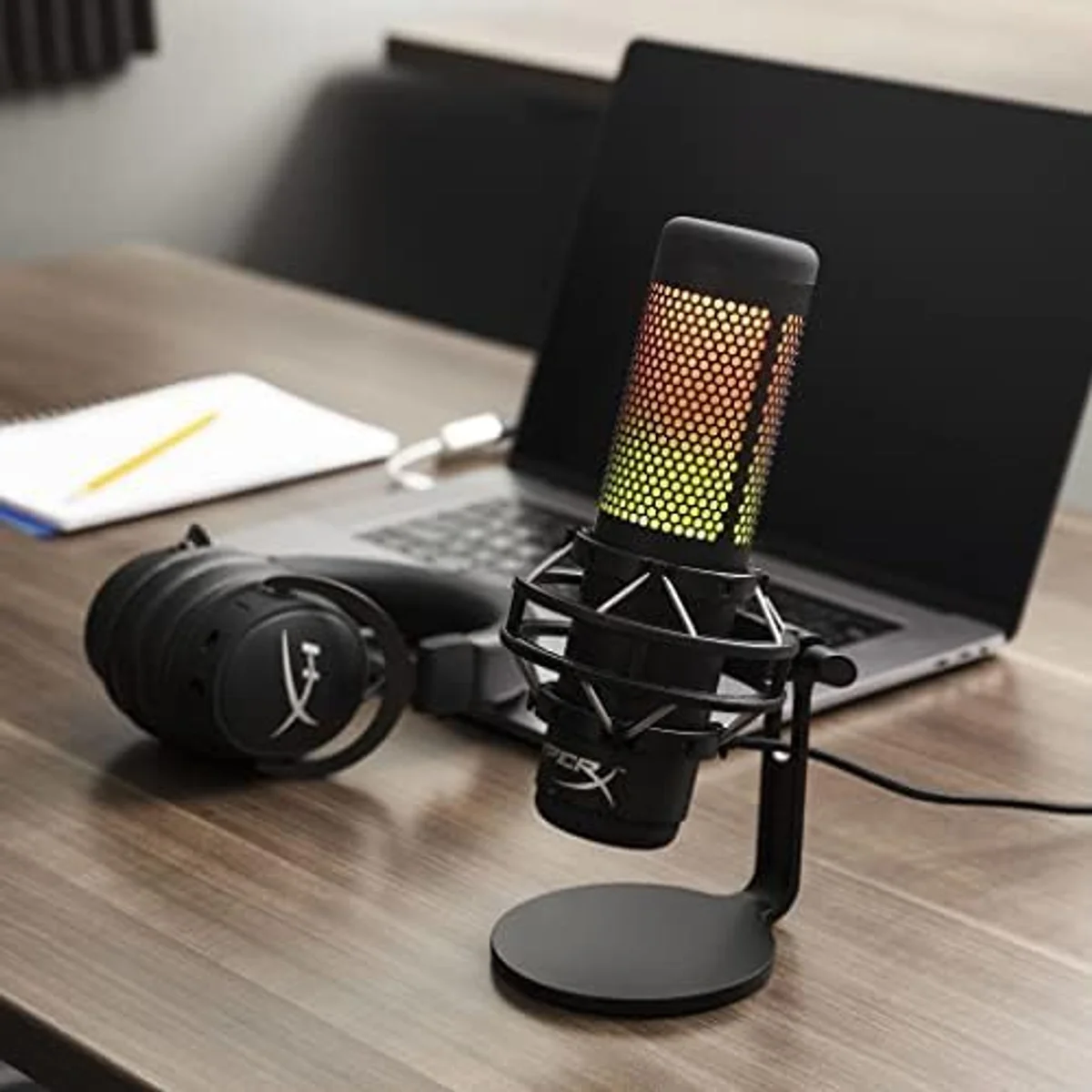
Four polar patterns, per-key RGB, tap-to-mute with LED feedback. The mic that looks as good on a stream overlay as it sounds in Discord. Built-in shock mount dampens desk vibrations from keyboard slams.
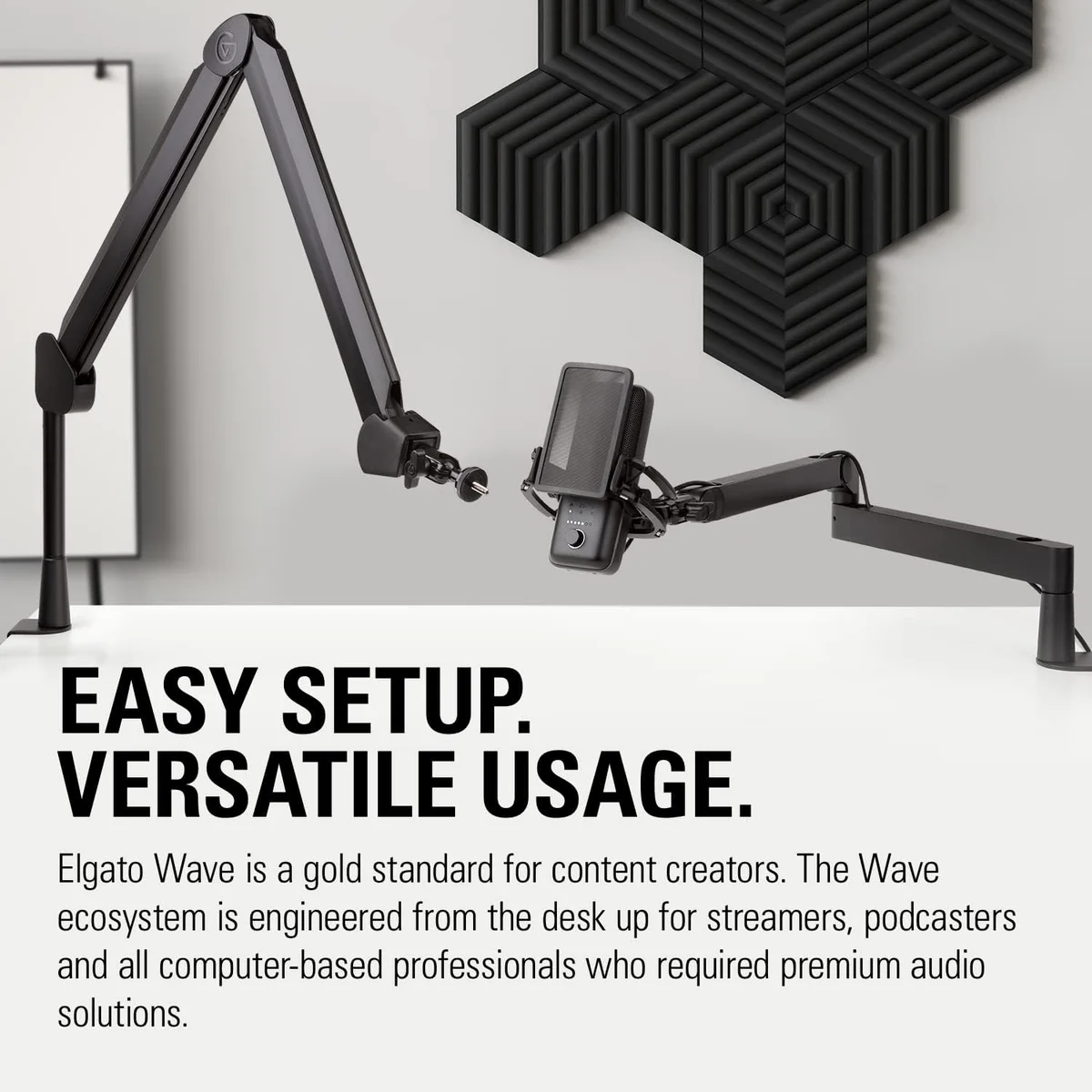
Clipguard anti-distortion handles rage moments without clipping. Wave Link mixer routes game audio, Discord, and mic to separate OBS channels. The streaming power-user pick.
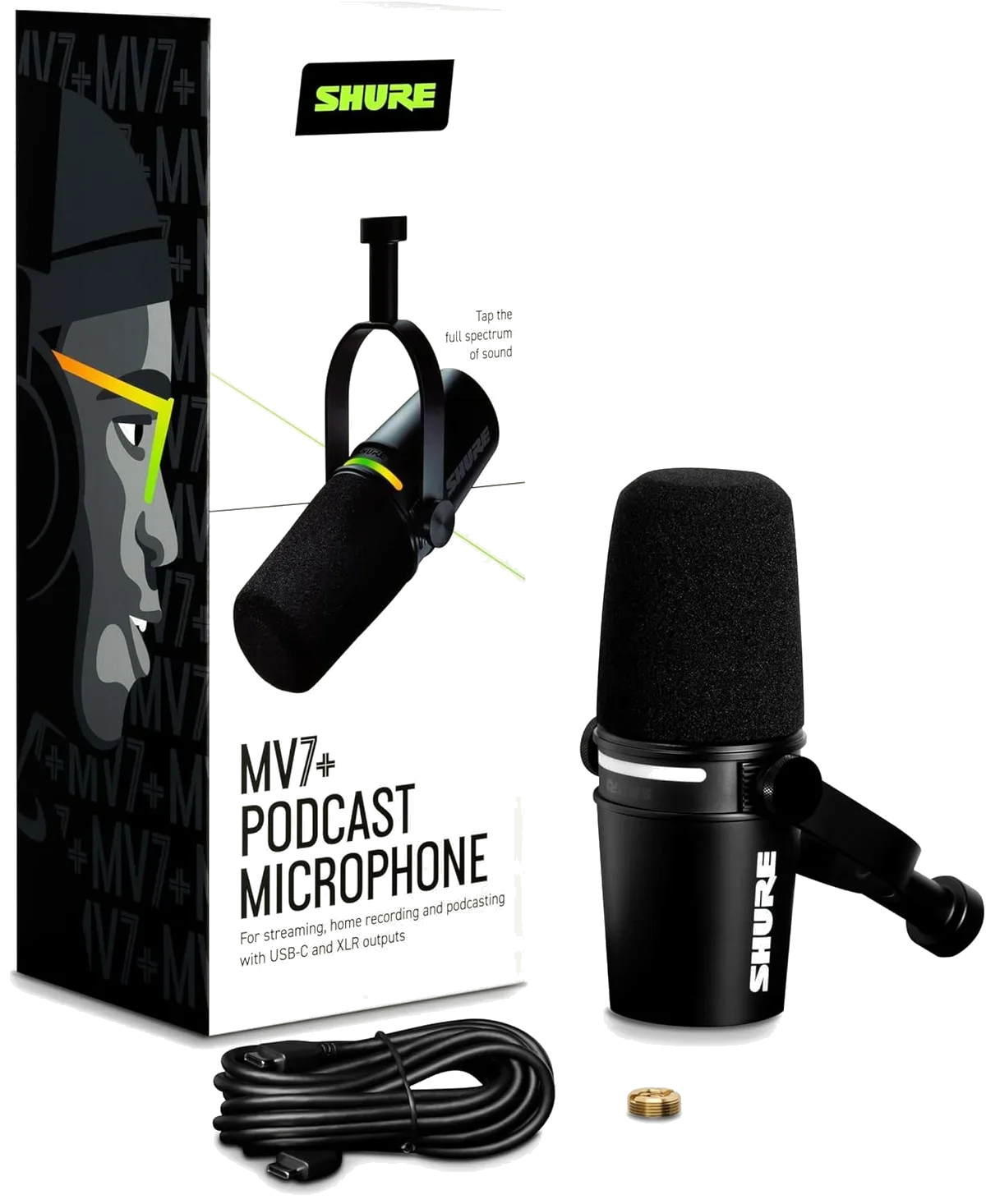
Dynamic capsule kills keyboard noise dead. Auto Level Mode adjusts gain in real time — no clipping during intense callouts. Premium tier, but your teammates will notice.
Condenser vs Dynamic for Gaming Desks
This is the single most important decision for gaming audio, and most buyers get it wrong. Condensers are more sensitive — they capture more vocal detail, richer tone, wider frequency range. Sounds great on paper. In practice, that sensitivity means they also capture your keyboard, your PC fans, your roommate's TV, and the garbage truck outside.
Dynamic mics flip the equation. Lower sensitivity, tighter cardioid rejection, less room pickup. The vocal character is different — warmer, more mid-focused, less airy. On a gaming desk with mechanical switches 18 inches from the mic, that trade-off is not a compromise. It is the correct choice.
Noise rejection beats audio fidelity on a gaming desk every time.
- Richer vocal detail and wider frequency response
- Better for quiet, treated rooms and solo streaming setups
- RGB options (QuadCast S gaming condenser, Seiren V3 Mini budget mic) are primarily condensers
- Picks up keyboard noise, fans, and room echo
- Requires closer mic technique or noise gate tuning
- Rejects keyboard noise, fan hum, and room reflections (MV7+ premium dynamic, Q2U budget dynamic)
- Works in untreated rooms and noisy gaming setups
- Warmer, mid-focused vocal tone (podcast aesthetic)
- Requires closer positioning (2-6 inches) for best results
- Fewer RGB and gaming-aesthetic options available
Our recommendation: if you can hear your keyboard in your current mic recordings, go dynamic. If your room is quiet and you want the richest possible voice, go condenser. The MV7+ vs Blue Yeti comparison shows the dynamic-condenser difference in direct audio samples. For gaming specifically, dynamics win more often than marketing suggests.
RGB and Aesthetics: When They Actually Matter
Look, RGB on a microphone sounds like pure marketing. And for most use cases, it is. But for streamers whose mic is visible on camera — which is most gaming streamers — the visual design of the mic is part of the brand. A glowing QuadCast S RGB gaming mic on a stream overlay is a visual anchor. The FIFINE AmpliGame RGB dynamic touch-mute button matches a Corsair or Razer desk setup. These are not vanity features for on-camera creators.
For everyone else — Discord calls, competitive gaming, off-camera use — RGB adds nothing. Buy based on audio quality and noise rejection. The Samson Q2U budget dynamic mic has zero visual flair and sounds better than most RGB gaming mics in a noisy room.
Three gaming mics with genuine RGB integration:
Streaming Integration: Wave Link vs HyperX NGENUITY
Software matters more than specs for streaming setups. Two gaming mics stand apart because their companion software solves real streaming problems — not just EQ adjustments, but multi-source audio routing that is otherwise impossible without a physical mixer.
A virtual mixer with up to 9 input channels. Route game audio, Discord, Spotify, and mic to separate tracks in OBS. Assign different mixes to stream output vs headphone monitoring. Control everything without alt-tabbing. This is the killer feature — no other USB mic at any price includes a software mixer this capable.
Best for: streamers who need per-source audio control in OBSPrimarily an RGB customization tool — lighting effects, per-key colors, profile sync across HyperX peripherals. Audio controls are limited to gain and monitoring volume. No multi-source mixing. No OBS integration. The appeal is visual ecosystem consistency, not audio routing power.
Best for: gamers who want unified RGB across HyperX gearThe QuadCast S vs Wave:3 head-to-head comparison breaks down the full spec and software differences. Short version: Wave:3 streaming condenser mic wins on streaming workflow, QuadCast S RGB gaming mic wins on aesthetics and multi-pattern flexibility.
Budget Gaming Mics That Get the Job Done
Not every gamer streams to an audience.
Most gaming mic purchases are for Discord, in-game voice chat, and the occasional clip recording. For those use cases, spending over the mid-range tier is unnecessary. The mics below produce voice audio that is clean enough for competitive callouts and casual streaming without the premium price.
Full bundle — tripod, pop filter, shock mount, cable. Plug-and-play USB. Audio is thin compared to higher tiers, but it is a massive step up from any headset mic. The 4-year warranty from TONOR is unusual at this price. Best for gamers who want to test whether a dedicated mic matters before committing real budget.
Super-cardioid pattern provides tighter noise rejection than standard cardioid condensers. 24-bit resolution is rare at this price. Razer Synapse integration for software control. The magnetic tilt base is limiting but the tiny footprint barely takes desk space. Best budget condenser for gaming by a clear margin.
Dynamic capsule at a condenser price. Background noise rejection that condensers cannot match in this tier. RGB touch-mute adds gaming aesthetic. Dual USB/XLR connectivity for future upgrades. Plastic build is the catch — expect to replace it if you game daily for more than a year.
The Mechanical Keyboard Compatibility Test
We ran every mic through the same test: Cherry MX Brown switches at 80 WPM, mic positioned 12 inches from the keyboard, no post-processing. The results were predictable but the magnitude of difference was not.
Dynamic capsules reject mechanical keyboard noise at 12 inches. At 6 inches from the mouth, keyboard becomes undetectable. These are the mics for Cherry MX Blue users and bottom-out typists.
Super-cardioid pattern helps, but condenser sensitivity still catches keystrokes. A noise gate in OBS or Discord eliminates most of it. Usable for gaming, not ideal for streaming without post-processing.
Standard cardioid condensers pick up keystrokes. Both mics sound excellent in quiet rooms, but mechanical keyboards are present in recordings and streams. Noise gate required. Tap-to-mute on the QuadCast S gaming condenser helps during typing-heavy moments.
High-sensitivity condensers without tight polar patterns. The Blue Yeti four-pattern condenser in cardioid mode is better than omni, but keyboard noise is a constant presence. The TONOR TC30 budget gaming mic picks up everything in the room. Neither is recommended for mechanical keyboard setups without aggressive noise gating.
Picks by Gaming Scenario
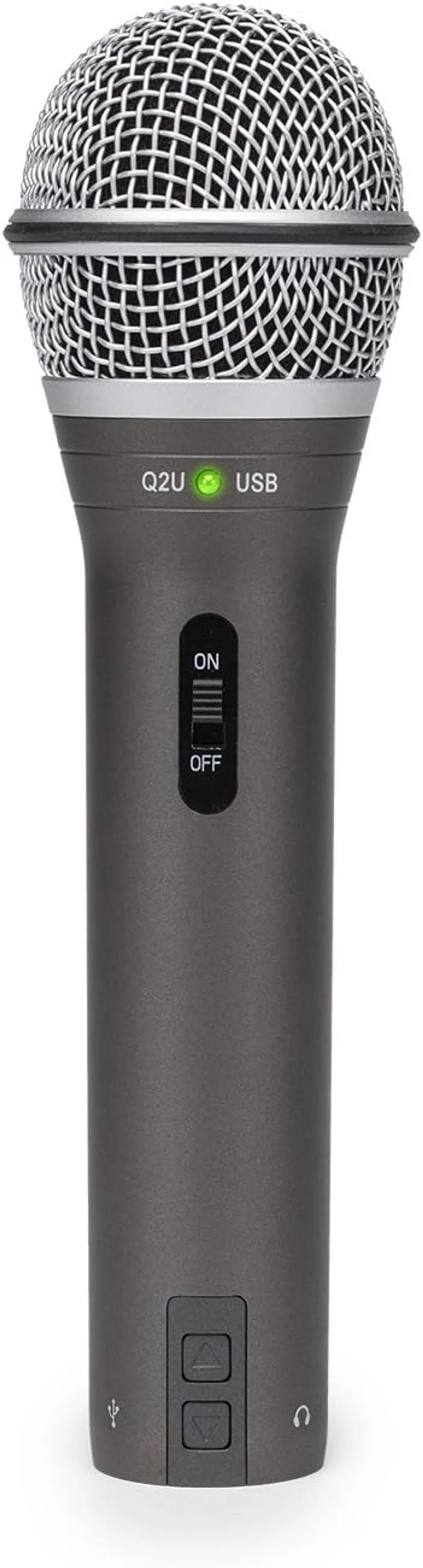
The right mic depends on what you do with it. Competitive gamers need fast mute and noise rejection. Streamers need software integration and camera aesthetics. Casual Discord users need clean audio at a reasonable price. We mapped each scenario to the mic that handles it best.
The Streaming Setup Nobody Talks About
Most streaming mic guides assume you want a condenser.
We disagree.
The Shure MV7+ premium dynamic microphone paired with a boom arm produces stream audio that matches broadcast quality — and the dynamic capsule means your keyboard, your mechanical switches, your GPU fans, and your open-back headphones stay out of the audio feed. The premium price tier is real, but the audio difference between a MV7+ and a condenser gaming mic on a noisy desk is not subtle.
For streamers on a tighter budget, the Samson Q2U dual-output dynamic delivers 80% of the MV7+ noise rejection at a fraction of the cost. The USB output handles streaming. The XLR output is there for the day you add a GoXLR or audio interface. Combine it with a boom arm and you have a semi-pro streaming rig for less than the price of a single premium condenser.
The QuadCast S vs Blue Yeti comparison is worth reading if you are choosing between the two most popular gaming condensers. Both have four polar patterns, but the QuadCast S adds tap-to-mute and RGB that the Yeti lacks — and the built-in shock mount reduces desk impact noise that the Yeti's rigid stand amplifies. The Blue Yeti vs FIFINE AmpliGame comparison covers the condenser-vs-dynamic question at the budget tier. The USB microphone roundup ranks every mic in our catalog by category if you want the complete picture beyond gaming-specific picks.
Our Top Pick for Gaming
Compare Top Gaming Mics
Frequently Asked Questions
Does a dedicated mic matter if your headset already has one?
Yes, if anyone else hears your audio — teammates, stream viewers, Discord calls. Headset mics compress your voice into a narrow frequency band and pick up breathing, fan noise, and keyboard clicks that a dedicated cardioid USB mic rejects. The jump from headset mic to a budget desktop mic like the Razer Seiren V3 Mini is the single largest audio quality improvement most gamers will ever make.
Condenser or dynamic for gaming?
Dynamic if you use mechanical keyboards or game in a noisy room. Dynamic mics have lower sensitivity and tighter pickup, so they reject keyboard clicks, fan hum, and room echo that condensers amplify. Condensers like the HyperX QuadCast S sound richer in quiet rooms but become a liability when your Cherry MX Blues are rattling at 60 WPM.
Does RGB lighting on a mic affect audio quality?
No. RGB LEDs are electrically isolated from the audio circuit in every gaming mic we have tested. The QuadCast S, FIFINE AmpliGame, and Razer Seiren series all produce identical audio whether RGB is on or off. Buy RGB for the look, not the sound.
What polar pattern works best for gaming?
Cardioid. It captures sound from directly in front and rejects sound from the sides and rear — where your keyboard, speakers, and room noise live. Multi-pattern mics like the Blue Yeti and QuadCast S default to cardioid for a reason. Switch to stereo only for ASMR or ambient recording, never for voice chat or streaming.
Can a gaming mic double as a podcast mic?
The Elgato Wave:3 and Shure MV7+ both do double duty. Wave Link software handles multi-source mixing for both streaming and podcast recording. The MV7+ sounds broadcast-quality on both USB and XLR. The QuadCast S works for casual podcasting but lacks the EQ control that dedicated podcast mics provide — for serious podcast work, check our podcast studio setup guide.
Our Top Recommendation
Based on our research, the QuadCast S is our top pick — gamers and streamers who prioritize aesthetics and want a mic that matches their rgb setup with four polar patterns..
Get Our Top 3 Picks
Get our top 3 picks for your budget — one email, then only updates.
Only when something changes. Unsubscribe anytime.