Best Microphones for YouTube
Two Types of YouTube Creator, Two Types of Mic
YouTube audio splits cleanly into two workflows. Desk creators sit in front of a camera and talk — tutorials, commentary, reviews, podcasts. Mobile creators move while recording — vlogs, travel content, walk-and-talk, on-location shoots. The mic that works for one workflow fails completely in the other.
We categorize every microphone in our catalog by which YouTube workflow it serves. The recommendations below are sorted by format first, budget second — because a premium desk mic is useless if you shoot on location, and a wireless lav is wasted if you never leave your desk. Choosing the wrong mic type for your content format is a more expensive mistake than buying a cheaper mic of the right type.
A third format exists too: creators who do both desk and mobile content. We cover the hybrid approach later in this guide — it is more common than most equipment guides acknowledge, and the budget math is different than you might expect.
Desk Creators: USB Microphones
If your camera has a fixed position and you sit or stand in front of it, a USB dynamic mic produces the best audio per dollar. Plug into your computer, record in your editing software, done. The mic captures your voice, rejects the room noise, and gives you that warm, authoritative YouTube tone that viewers associate with professional content.
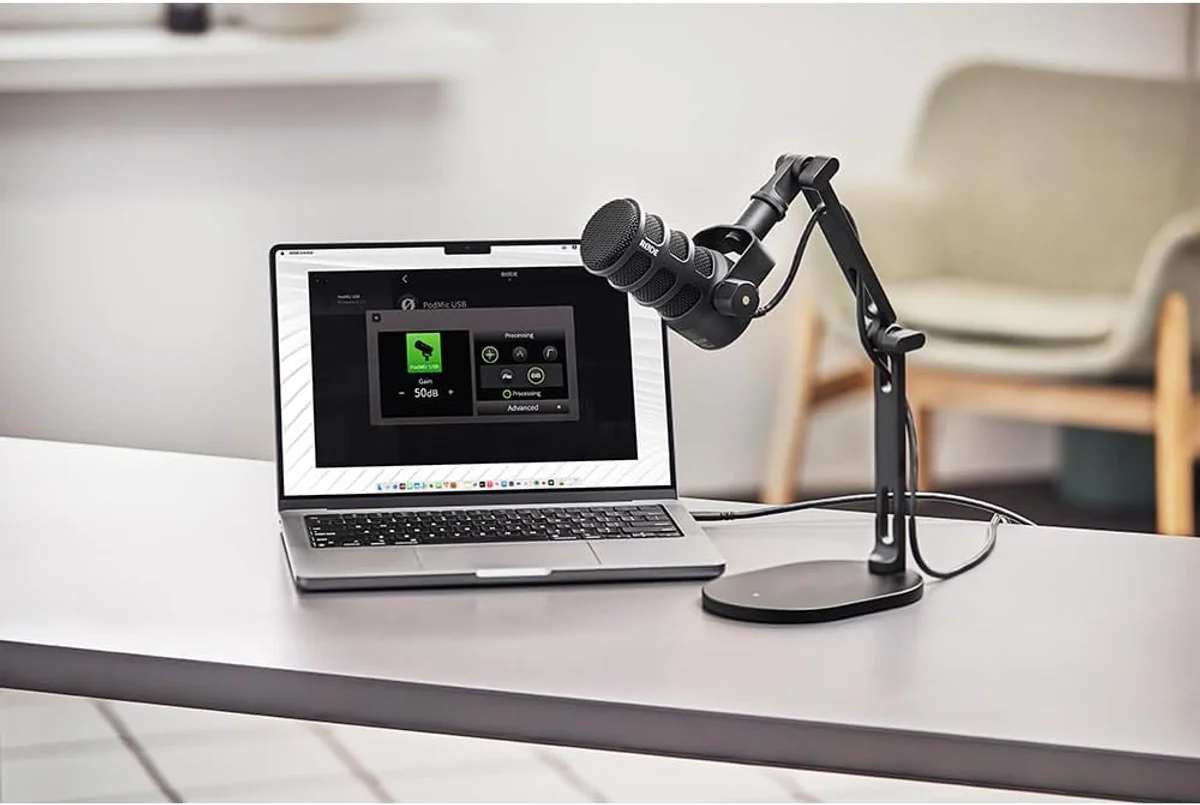
Internal pop filter + shock mount = fewer accessories to buy. USB-C + XLR for future flexibility. The APHEX DSP processing adds broadcast warmth without post-production. Built for creators who record daily.
Complete kit at a budget price — the lowest-risk way to upgrade from webcam audio. Dual USB/XLR means you can grow into an XLR setup without replacing the mic.
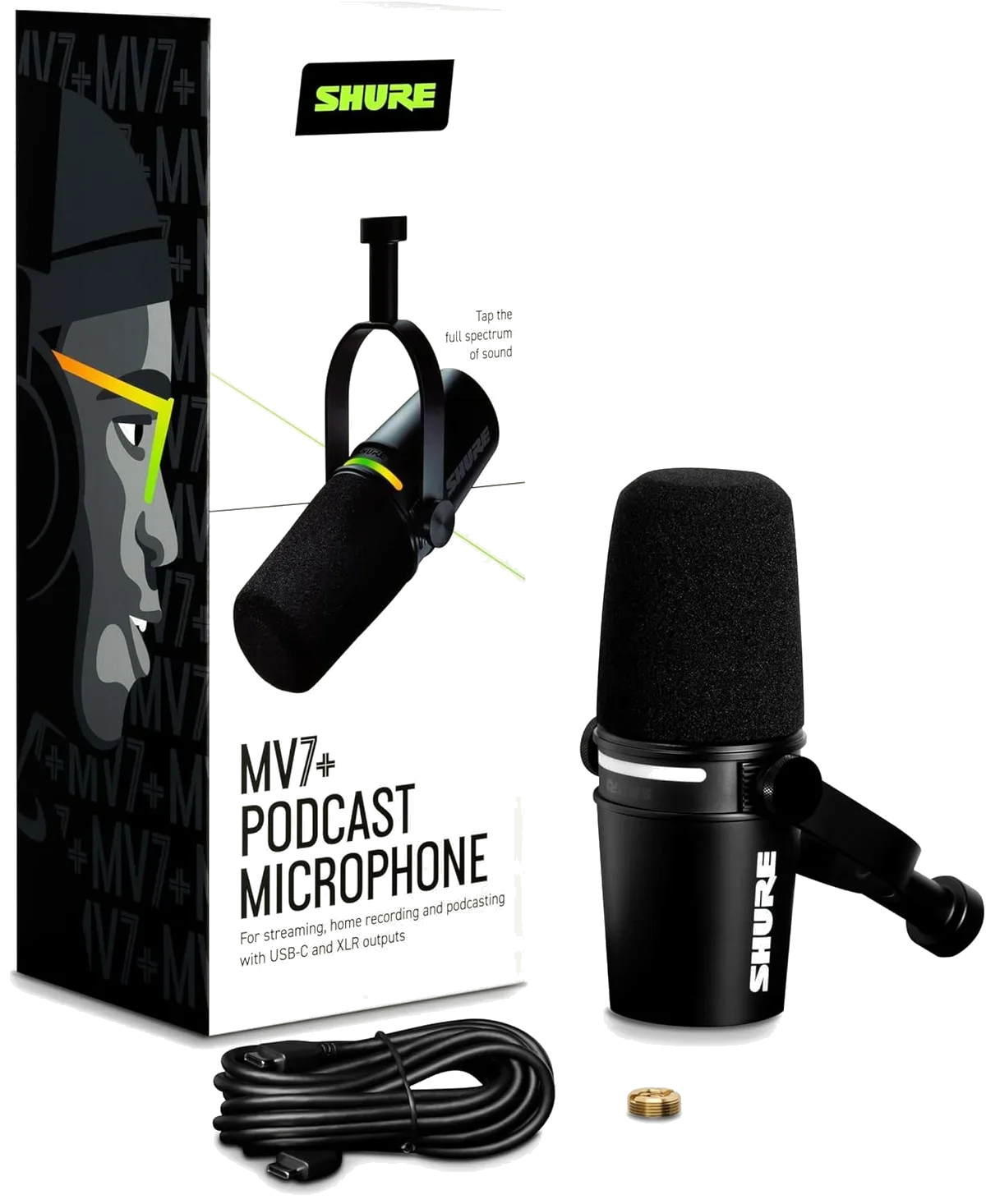
Auto Level Mode adjusts gain on the fly — no clipping during excited moments. Premium build quality for creators who treat YouTube as a career, not a hobby.
Mobile Creators: Wireless Microphones
Here is the thing: if you move while recording — vlogs, travel content, street interviews, walk-and-talk — a desk mic is not an option. You need a wireless system that clips to your clothing and transmits audio to your camera or phone.
Wireless mics trade some audio fidelity for freedom of movement. The best systems minimize that compromise enough that YouTube's audio compression hides the remaining gap. The key differentiators between wireless systems are battery life, internal recording (safety backup), noise cancellation quality, and whether the system supports one or two transmitters for interview scenarios.
One thing that catches creators off guard: manufacturer range claims are marketing fiction indoors. A system rated for 300 meters line-of-sight will deliver 30-60 meters of reliable range inside a building with walls and interference. Buy based on indoor range expectations, not spec sheet numbers.
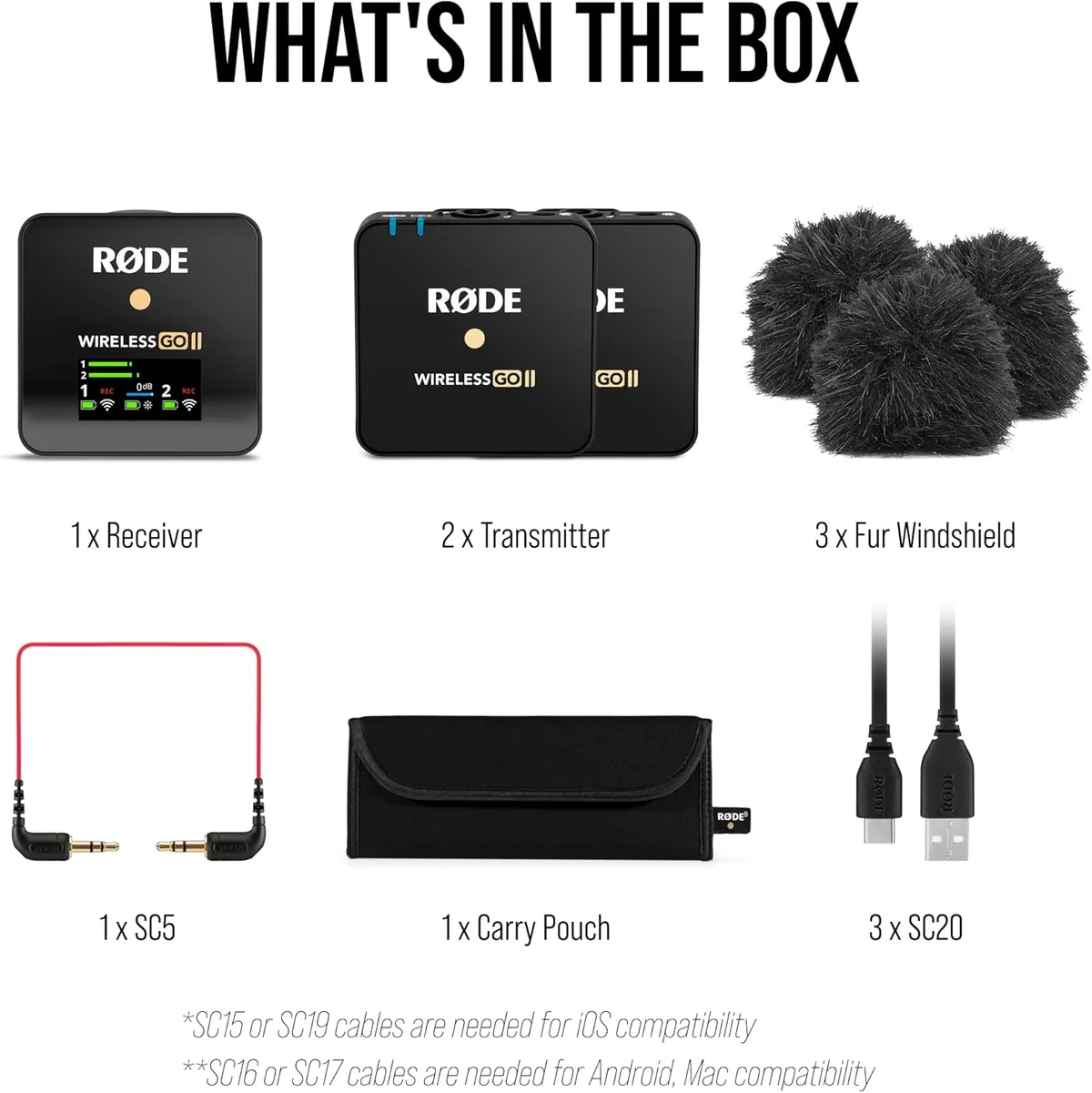
Dual-channel recording for interviews + safety channel backup at -20 dB. 40+ hours of onboard recording per transmitter. The industry standard for YouTube creators who shoot on location.
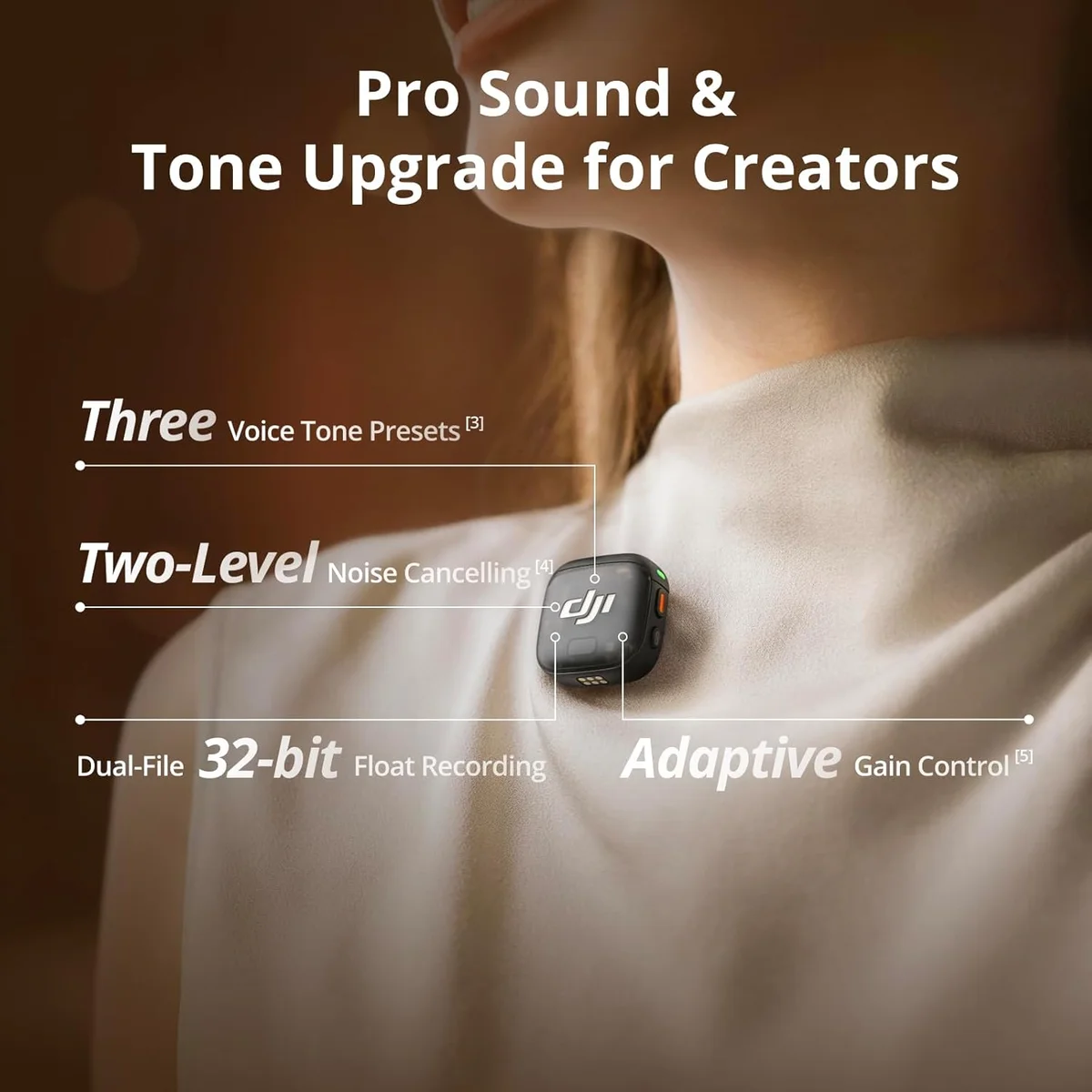
32-bit float recording eliminates clipping anxiety — impossible to overdrive. Timecode sync for multi-camera edits. Missing external lav input limits professional use.
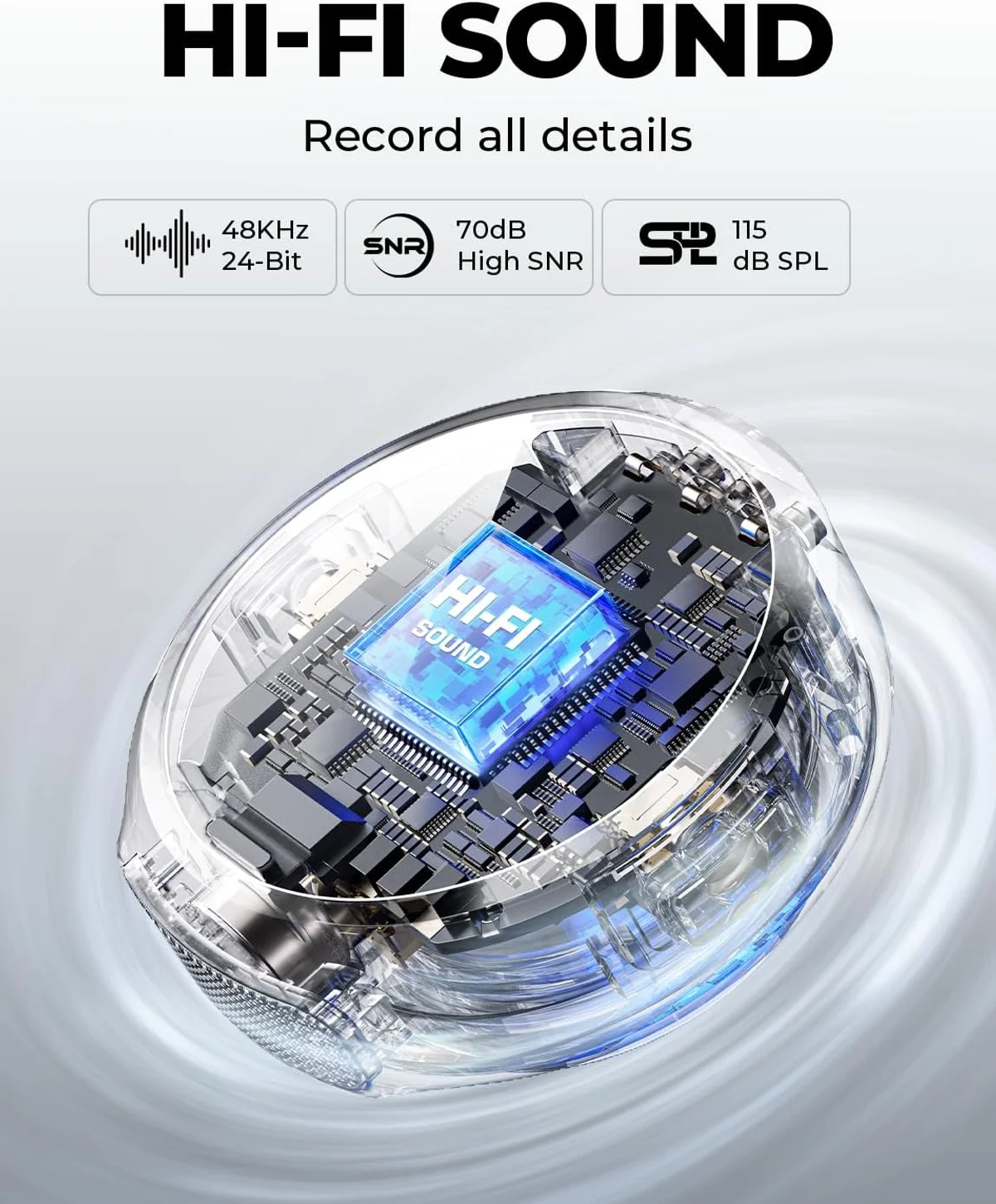
9-gram transmitters are practically invisible on camera. 12-hour battery life covers full shooting days. Best value in the mid-range wireless tier for solo creators.
Budget YouTube Mics That Actually Work
Not every YouTuber needs premium audio from day one. For creators still testing whether YouTube is for them, budget options exist that produce real, measurable improvement over built-in webcam and phone microphones. The jump in audio quality between a phone mic and even a budget external mic is the single largest quality improvement in a creator's equipment journey — larger than the jump from mid-range to premium, and far larger than the jump from premium to professional.
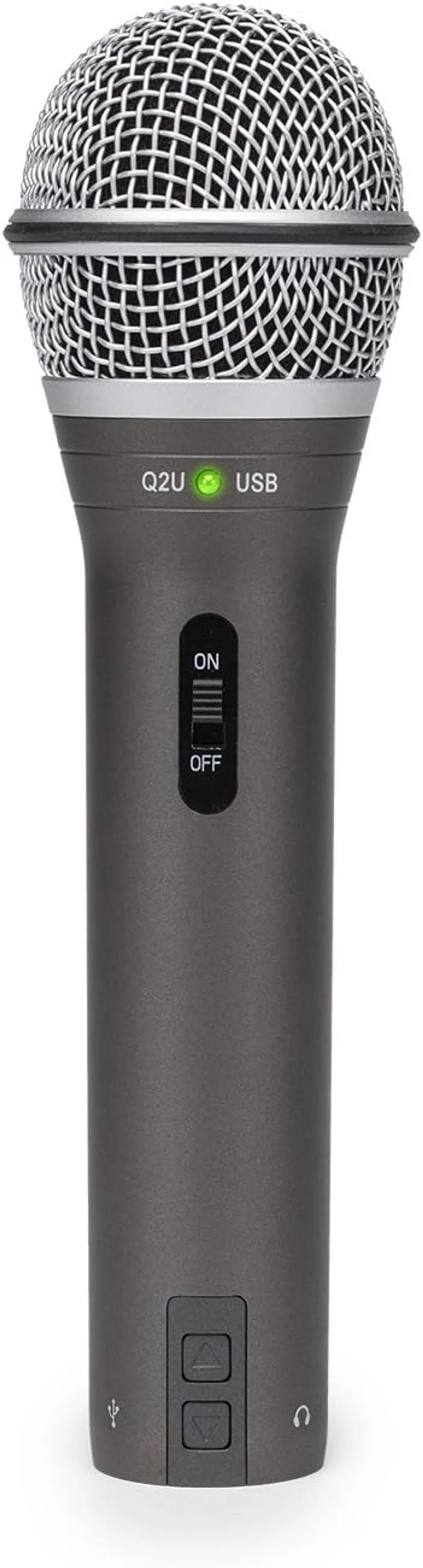
Clean dynamic audio with a complete accessory kit. The universal beginner recommendation for desk-based YouTube content. USB port means one cable to your computer.
48-hour battery system with charging case. Plug-and-play with zero app required. DJI engineering at a budget price — the starting point for smartphone-first YouTube creators.
54-hour battery system, 8-gram transmitter, 48 kHz/24-bit at a price that makes wireless audio a zero-risk experiment for new creators.
YouTube-Specific Audio Considerations
YouTube audio works differently from podcast or music audio. Three platform-specific factors affect which mic produces the best results.
YouTube encodes to 128 kbps AAC for standard videos. At this bitrate, the high-frequency detail that condensers capture and dynamics miss is compressed away. A Blue Yeti multi-pattern USB condenser and a Samson Q2U budget dynamic microphone sound closer on YouTube than in raw recordings because the platform equalizes them.
Over 70% of YouTube watch time happens on mobile devices with tiny speakers. The warm low-end that a dynamic mic's proximity effect adds is lost on phone speakers. What survives is mid-range clarity — the 1-4 kHz range where consonants live and speech intelligibility is determined. Both dynamic and condenser mics capture this range well.
YouTube analytics show that audio quality above a basic threshold does not correlate with higher retention. Viewers leave because of bad content, not because the sample rate was 16-bit instead of 24-bit. Focus investment on content quality, thumbnails, and editing — upgrade audio only when it is the weakest link in the production chain.
Streaming and Live YouTube: A Different Setup
Live YouTube streams have different requirements than recorded videos. You cannot edit audio in post. What the mic captures is what the audience hears — every keyboard click, every HVAC hum, every room echo.
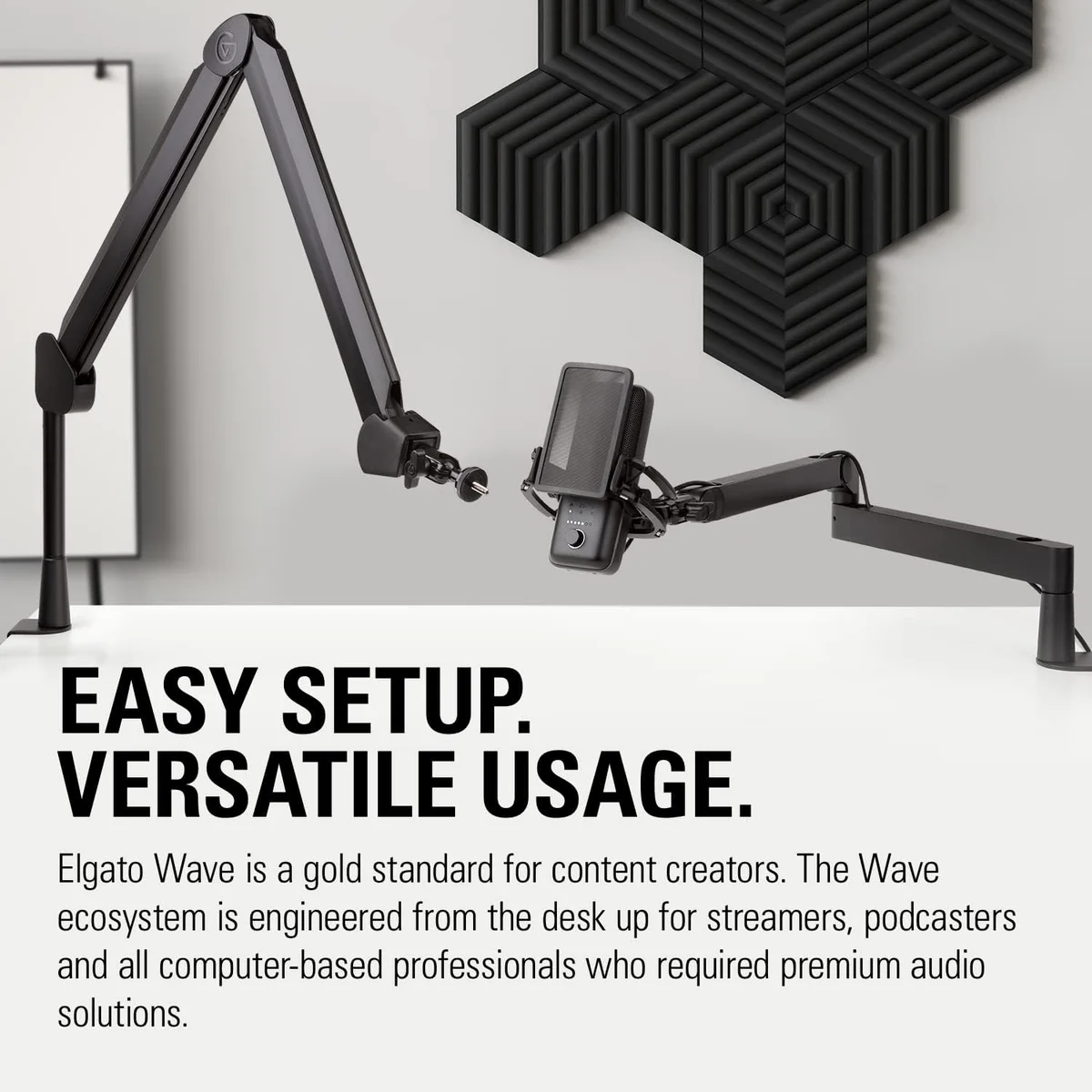
For live YouTube, the Elgato Wave:3 condenser with Clipguard anti-distortion is the strongest choice. Clipguard prevents audio peaking when you shout or laugh — a common problem on live streams where gain cannot be adjusted per-clip. Wave Link software routes game audio, music, and mic audio to separate channels in OBS, giving you real-time mixing control that no other USB mic provides.
The HyperX QuadCast S four-pattern gaming condenser is the alternative if RGB aesthetics matter for your brand. The tap-to-mute with LED indicator provides instant, visible mute control during live streams — faster than reaching for a software button.
Our Pick by Content Format
Look, the format determines the mic. Pick your primary content type, buy the matching mic, and start creating. The best-performing YouTube channels we have studied all share one trait: they picked a mic that matched their format and stopped optimizing audio. The channels that stall are the ones still researching microphones six months after deciding to start a channel. Audio quality above a basic threshold does not grow subscribers — content does.
Camera-Top Shotgun vs Wireless Lav
Some YouTube creators use shotgun microphones mounted on their camera instead of wireless lavaliers. The calculus is straightforward: shotgun mics capture good audio without requiring anything attached to your body, but they degrade quickly as distance increases — anything beyond 3 feet sounds hollow and echoey.
For most YouTube creators, a wireless lavalier is more flexible. It maintains consistent audio quality regardless of how far you are from the camera, works indoors and outdoors, and handles movement without the directional aiming that shotgun mics require. The Rode Wireless Go II dual-channel wireless system has become the default recommendation for YouTube creators because it handles both solo and interview scenarios with a single kit.
Shotgun mics still make sense for solo run-and-gun creators who want to keep their hands free and their clothing uncluttered. But for most YouTube content types — especially anything with movement, multiple speakers, or on-location shooting — wireless lavaliers win on adaptability.
The Hybrid Approach: Desk Mic + Wireless Kit
Many established YouTubers own both a desk mic and a wireless system. The desk mic handles studio content — tutorials, commentary, voiceover. The wireless handles field content — vlogs, interviews, behind-the-scenes. This is not excessive. It is workflow-appropriate gear allocation.
The budget version of this approach: a Samson Q2U dual-output dynamic microphone for the desk plus a DJI Mic Mini budget wireless lav system or Hollyland Lark A1 wireless starter mic for mobile shooting. Together, they cover every YouTube content type at a combined price below most single premium mics.
The premium version: a Shure MV7+ premium podcast microphone for studio work plus a Rode Wireless Go II dual-channel system for everything else. This combination handles any content format YouTube throws at you, from whisper ASMR to outdoor interviews in wind.
Audio Editing for YouTube: Less Than You Think
A clean recording from a good mic needs minimal post-production. The editing chain for YouTube audio is short: noise gate (removes silence between sentences), light compression (evens out volume), and normalization (hits YouTube's target loudness). Free tools like Audacity handle all three in under 5 minutes per video.
For creators who want deeper audio processing, our background noise reduction guide covers the full chain from mic positioning to post-production noise removal. The investment in learning basic audio editing pays off across every video — 20 minutes of learning Audacity's noise gate and compression tools will improve every recording you make going forward.
The microphones we recommend above produce recordings clean enough that some creators skip editing entirely. The Shure MV7+ broadcast dynamic has Auto Level Mode that handles compression in real time. The Elgato Wave:3 streaming condenser with Clipguard prevents clipping at the hardware level. These features reduce post-production time — time better spent on content, thumbnails, and titles.
Our complete microphone buying guide covers the full decision matrix, and our USB microphone roundup and wireless microphone roundup have detailed comparisons within each category. The DJI Mic 3 vs Rode Wireless Go II comparison is particularly relevant for YouTube creators choosing between the two top wireless systems. Our podcast studio setup guide covers the desk-based recording workflow in much more detail if your YouTube channel is primarily talking-head content. For creators interested in the polar pattern differences between mics — cardioid vs omnidirectional vs stereo — our polar pattern explainer covers how pickup patterns affect which sounds reach your recording and why cardioid is the default for solo YouTube content. The pattern choice matters less than mic type and positioning, but understanding it prevents common mistakes like buying an omnidirectional condenser for a noisy room.
Our Top Pick for YouTube Creators
Compare Top YouTube Mics
Frequently Asked Questions
What mic type do most successful YouTubers use?
It depends on the content format. Sit-down talking-head creators overwhelmingly use USB dynamic mics — the Shure MV7+ and Rode PodMic USB dominate in the mid-to-premium tier. Mobile and vlog-style creators use wireless lavalier systems — the Rode Wireless Go II is the most common choice visible in behind-the-scenes footage. Camera-top shotgun mics are a third category for run-and-gun solo creators.
Does YouTube compress audio quality?
Yes. YouTube encodes all audio to AAC at 128 kbps for standard videos and 384 kbps for premium. This means recording at 96 kHz/24-bit provides no quality advantage over 48 kHz/16-bit for YouTube uploads — the compression flattens the difference. Focus your budget on noise rejection and voice clarity rather than high sample rates.
Can phone microphones work for YouTube?
For short-form content under 60 seconds, yes — if you record in a quiet room within 12 inches of the phone. For anything longer, the noise floor and inconsistent audio become noticeable. Even a budget wireless lav at the entry tier produces a measurable improvement over any smartphone built-in mic.
Do wireless mics add latency to video recordings?
Modern wireless systems add 5-20 milliseconds of latency. This is inaudible to viewers and invisible in the video — your editing software can compensate for it automatically during sync. The Rode Wireless Go II and DJI Mic 3 both maintain tight enough sync that manual adjustment is rarely needed.
Should YouTube creators buy a shotgun mic or a lavalier?
Lavaliers clip to your clothing and capture consistent audio regardless of head movement — ideal for talking-head content and interviews. Shotgun mics mount on camera or boom poles and capture directional audio from a distance — ideal for solo run-and-gun creators who cannot wear a lav. For most YouTube creators, a wireless lavalier system covers more use cases.
What is the cheapest mic that sounds professional on YouTube?
The Hollyland Lark A1 wireless lavalier at the budget tier produces audio that sounds professional on YouTube after compression. For desk content, the Samson Q2U dynamic delivers clean recordings that hold up after YouTube encoding.
Our Top Recommendation
Based on our research, the Wireless Go II is our top pick — youtubers, interviewers, and indie filmmakers who need reliable dual-channel wireless audio with professional redundancy..
Get Our Top 3 Picks
Get our top 3 picks for your budget — one email, then only updates.
Only when something changes. Unsubscribe anytime.